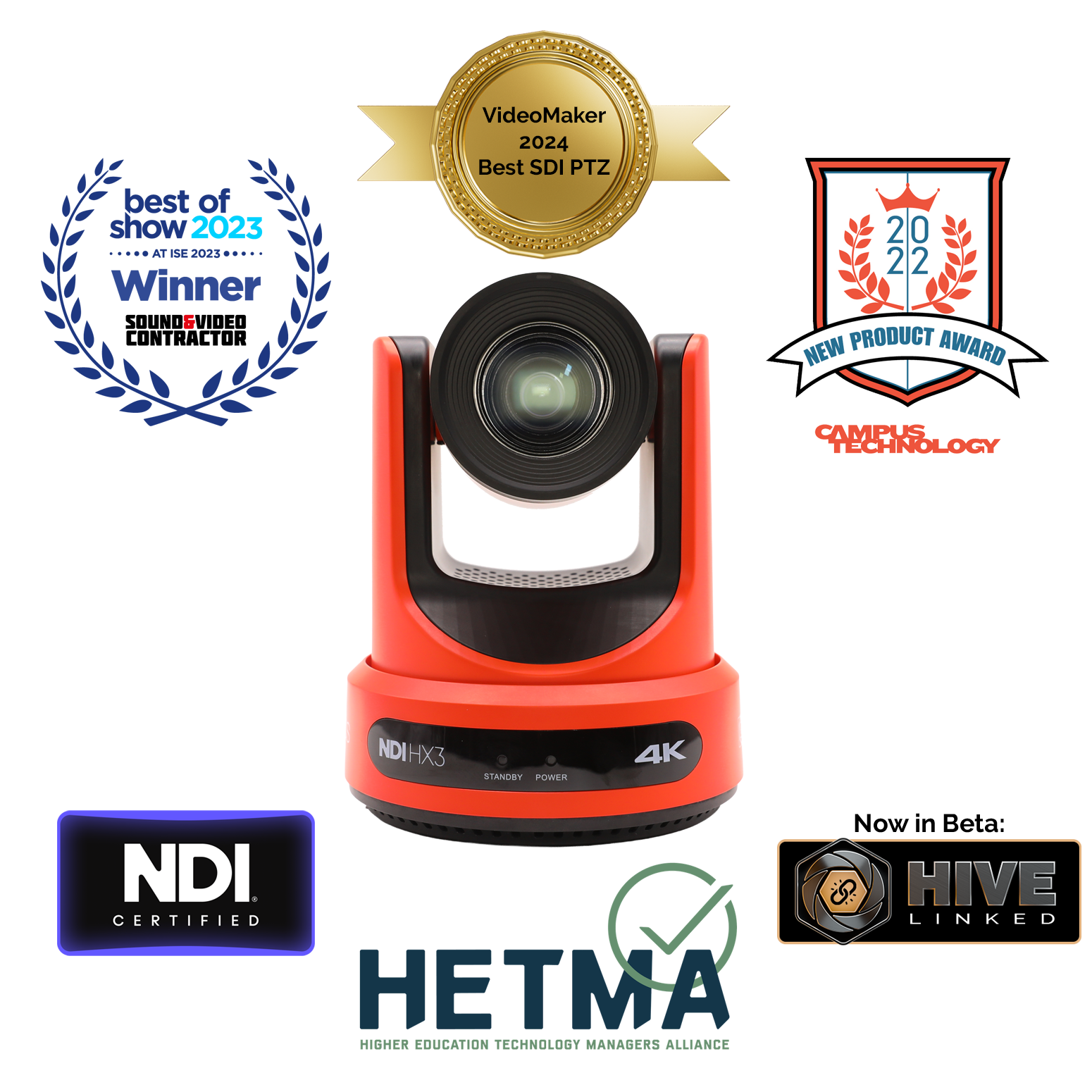
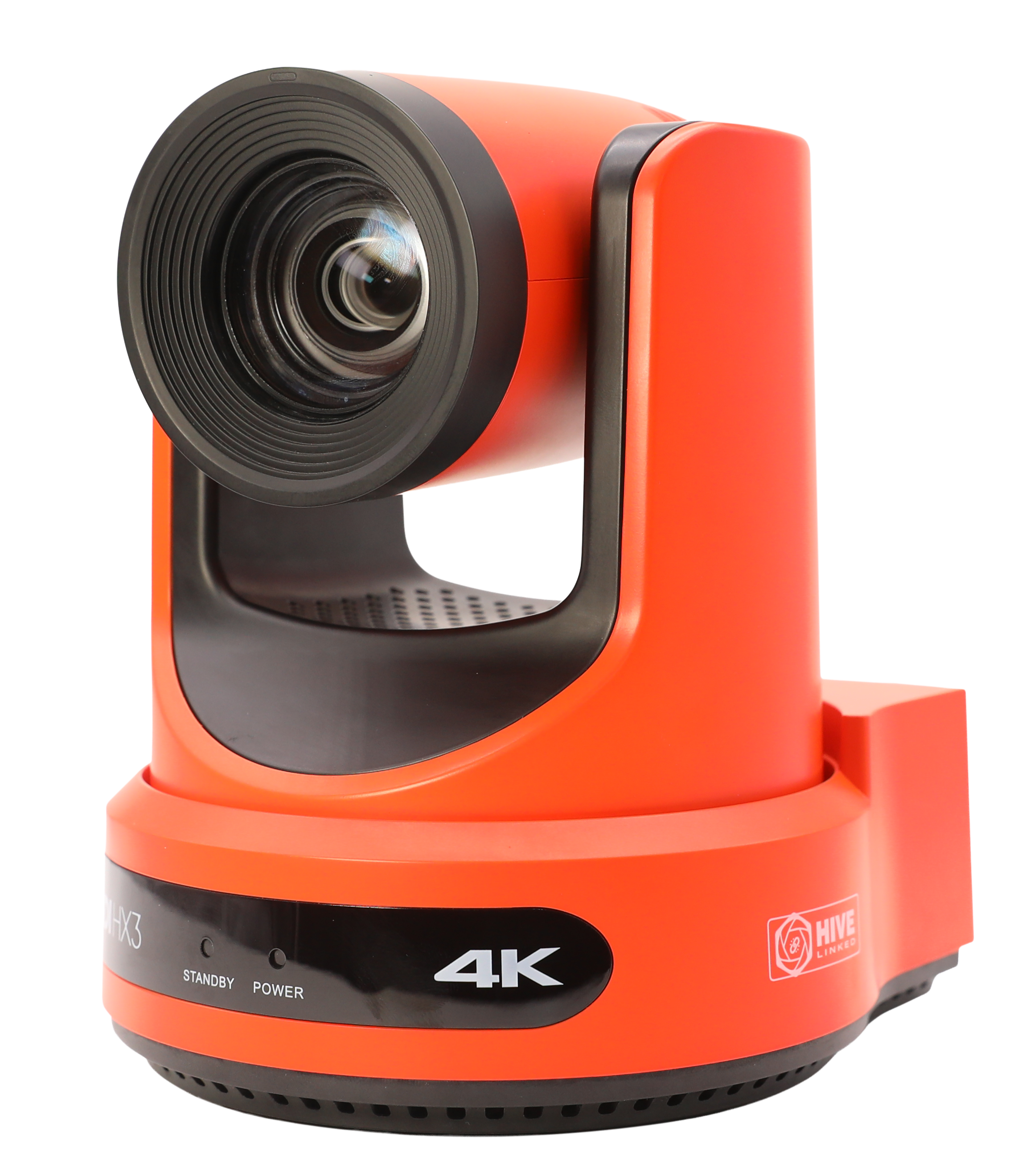
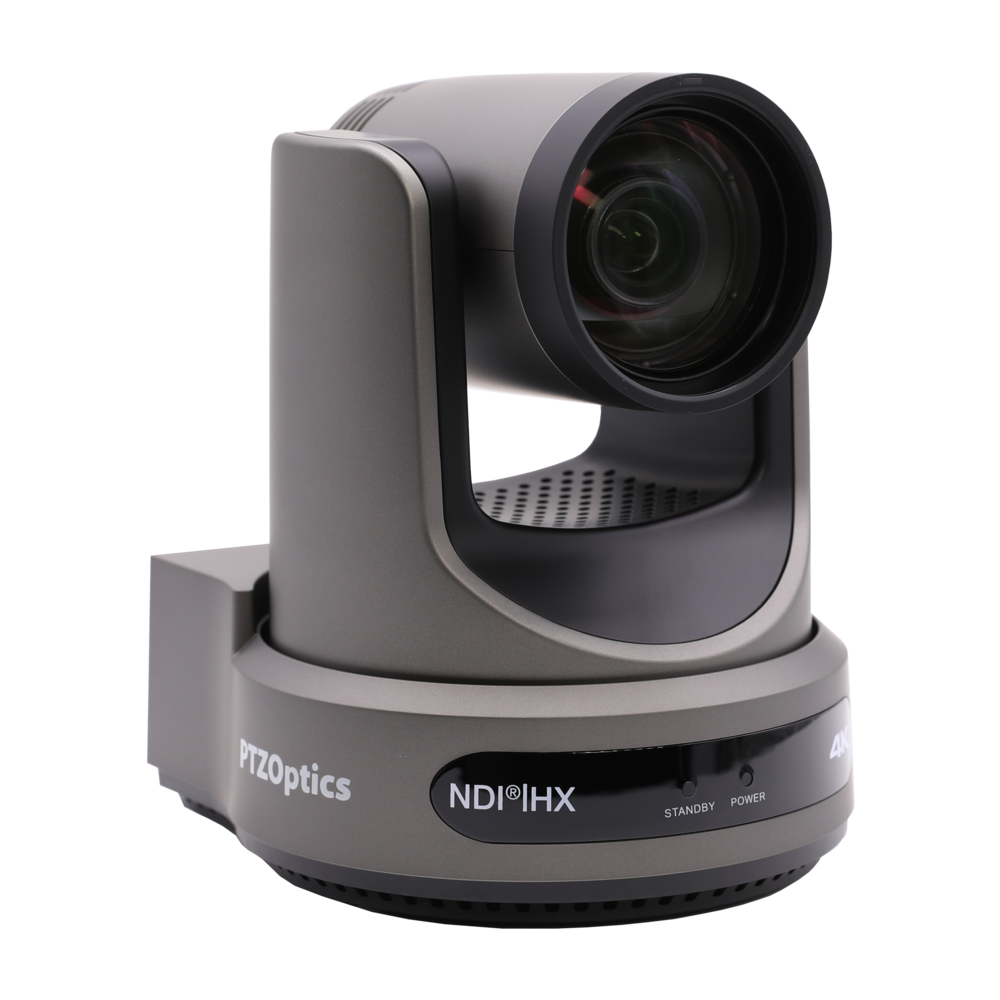
Image of red Move 4K and industry awards.

PTZOptics Move 4K

NOW SHIPPING:
4K PTZ Camera with Advanced Auto-Tracking

Available in 12x, 20x, and 30x

A New Standard for PTZOptics Cameras

The Move 4K is the latest PTZ camera from PTZOptics, featuring auto-tracking for a more intelligent video production workflow. The Move 4K is capable of 4K at 60fps (1080p at 60fps over SDI), future-proofing your technology investment while still accommodating HD and Full HD video resolutions equipment. The Move 4K offers high performance in low-light scenarios, PoE+ capabilities, and a built-in tally light. Learn more about the Move 4K as featured in Videomaker magazine here.


NEW! Now featuring a new high-visibility edition, specially designed for use in industrial manufacturing settings.

PTZOptics Move 4K
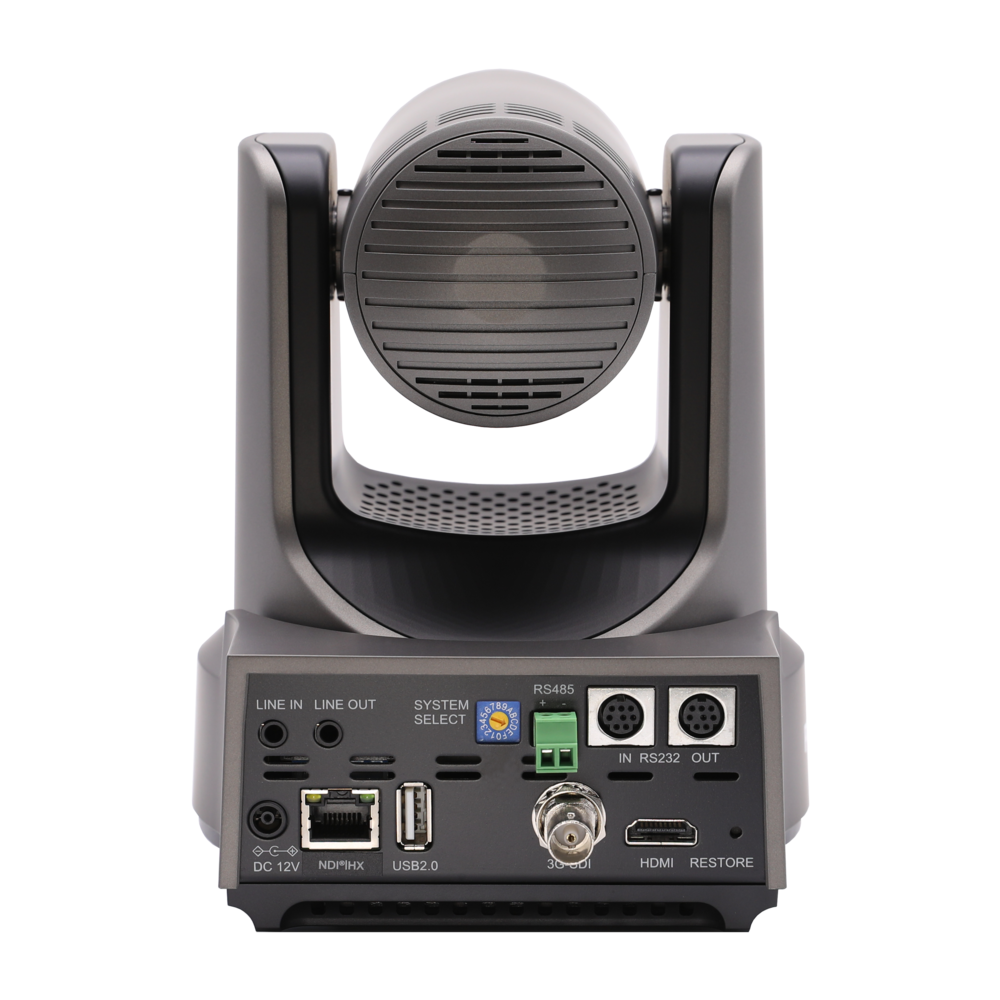
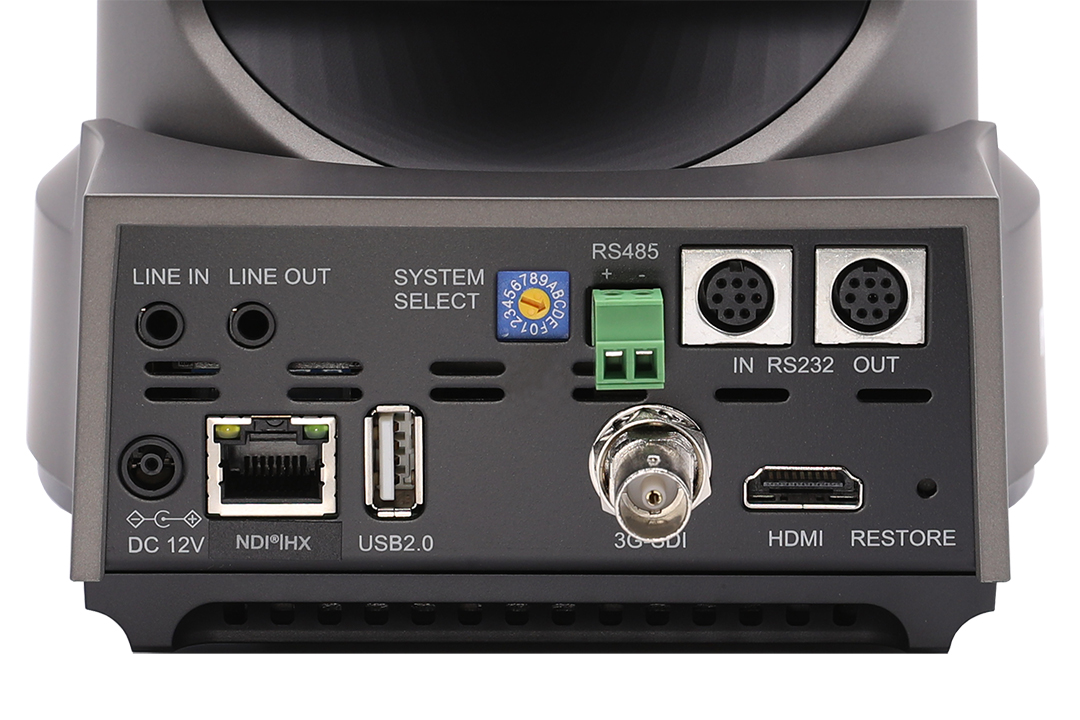
3.5mm Audio InputCan be used to embed audio via SDI, HDMI, USB and NDI connectionsRS-485 Serial Camera Control Port — Preferable for long cable runs, use with our serial joystick controllersRS-232 Serial Camera Control Ports (IN/OUT) — Ideal for daisy-chained PTZ camera control without the need for networking equipment12V DC (10.8 – 13.0V DC) Power Port — Optional method of powering the cameraEthernet Port — For camera control, provides PoE+ (Power over Ethernet Type 2) 802.3at. This port is used for NDI, SRT, RTSP and RTMP video streaming up to 4K@60fpsUSB 2.0 Connection — Up to 4K@30fps video output3G-SDI Connection — Up to 1080p@60fps video outputHDMI Connection — Up to 4K@60fps video output

Designed with the Future in Mind

Every Move 4K camera features SDI, HDMI, USB, and IP output, and comes native with NDI® HX3 for unparalleled performance and versatility. The Move 4K offers built-in auto-tracking capabilities — no need to run software on another computer — freeing teams of the need for a camera operator. With 12x, 20x, and 30x optical zoom available, the Move 4K can fit seamlessly into any production scenario.

Pan, Tilt, Zoom, Track.

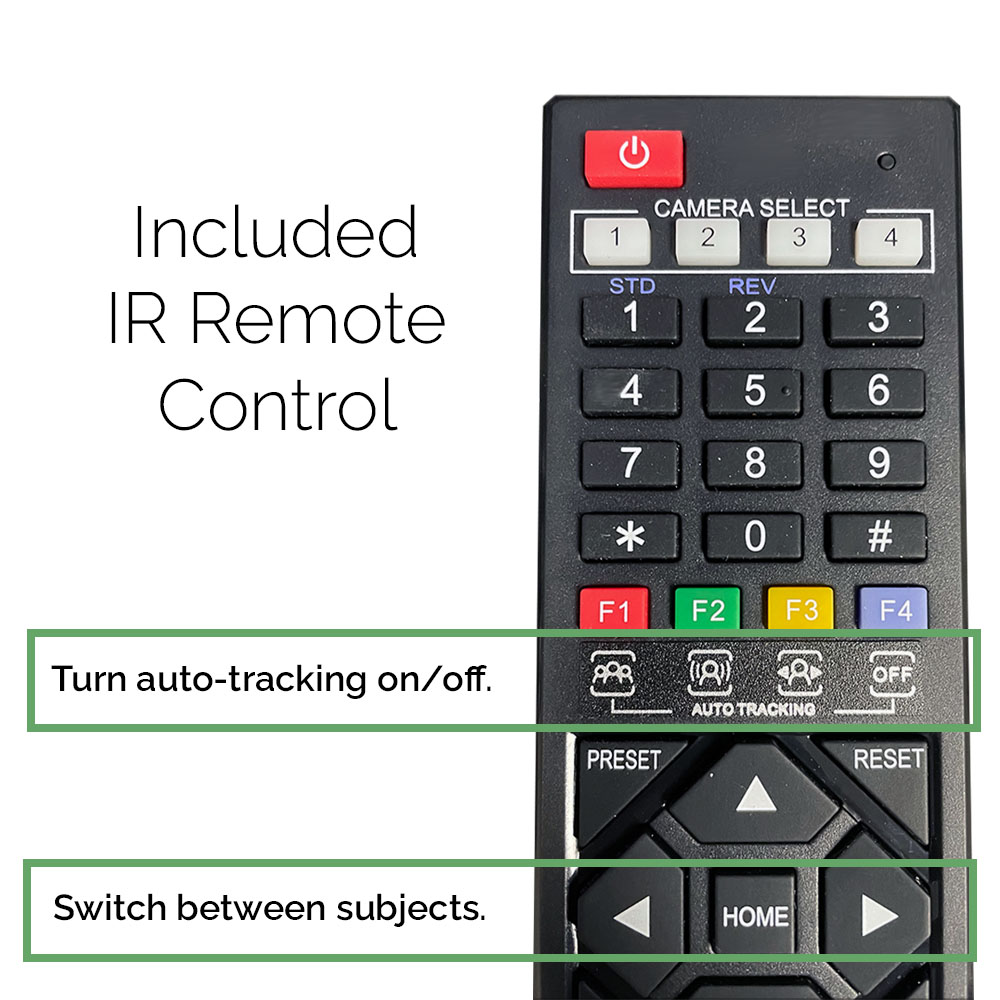
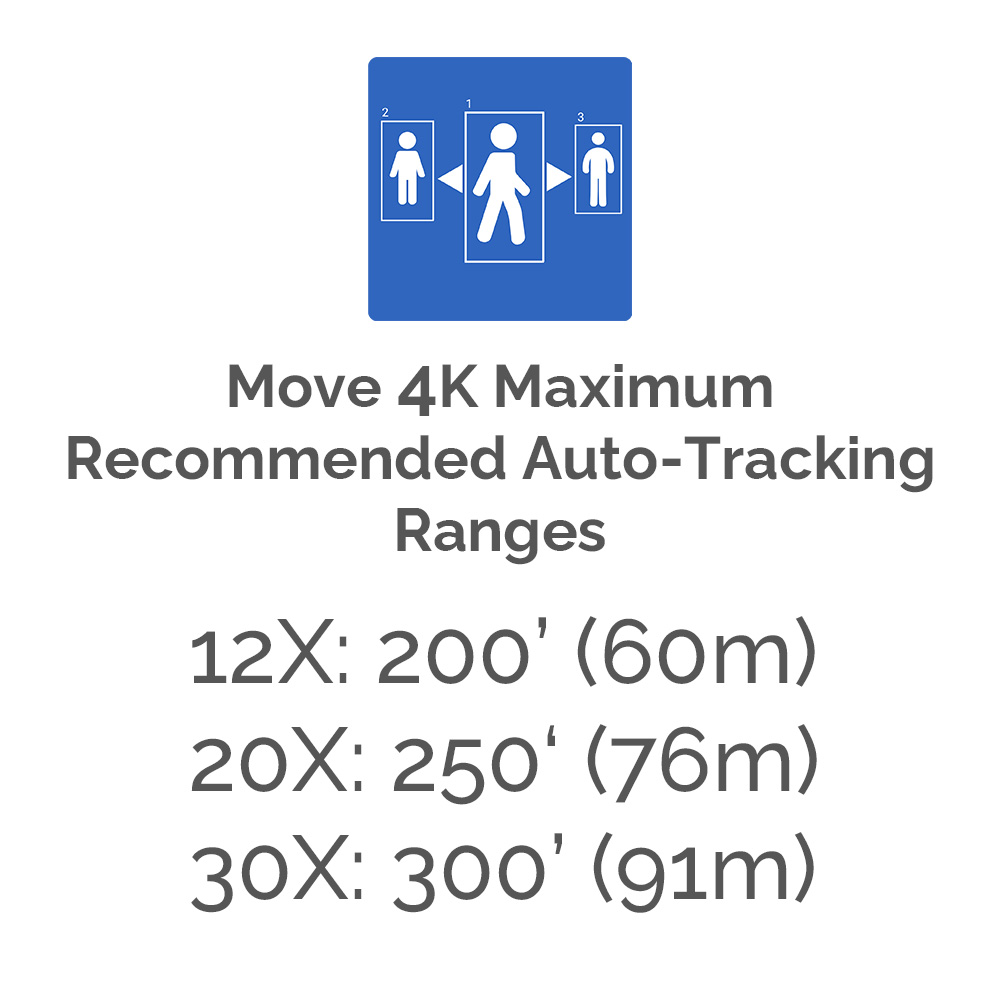
Control your production from behind the scenes – or right in front of them. With the Move 4K’s unique Presenter Lock™ technology, the camera can lock onto a specific person from up to 300 feet away, even while other people are in frame. Plus, this built-in auto-tracking feature allows users to seamlessly switch between on-stage presenters with the simple click of a button.

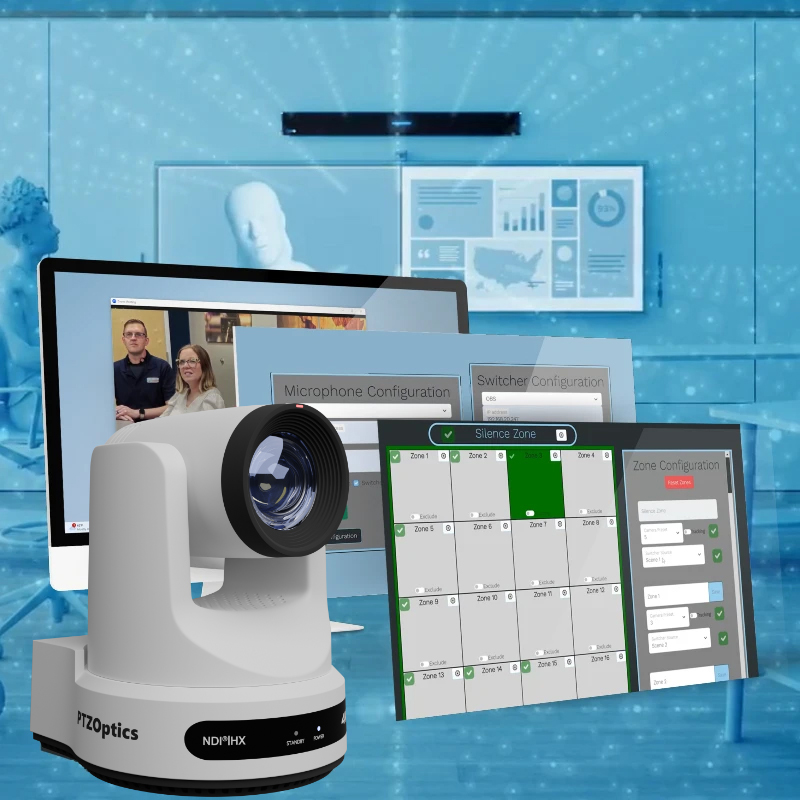
In addition to the Move 4K’s auto-tracking features, users also have access to PTZOptics’ latest Web UI — updated to provide everything you need in one simple menu. Nearly every feature in the Web UI has a tutorial function, perfect for novice producers navigating the settings for the first time.

Looking for even more control options? Check out our Voice Tracking features, now in beta.

Discreet Mounting Options

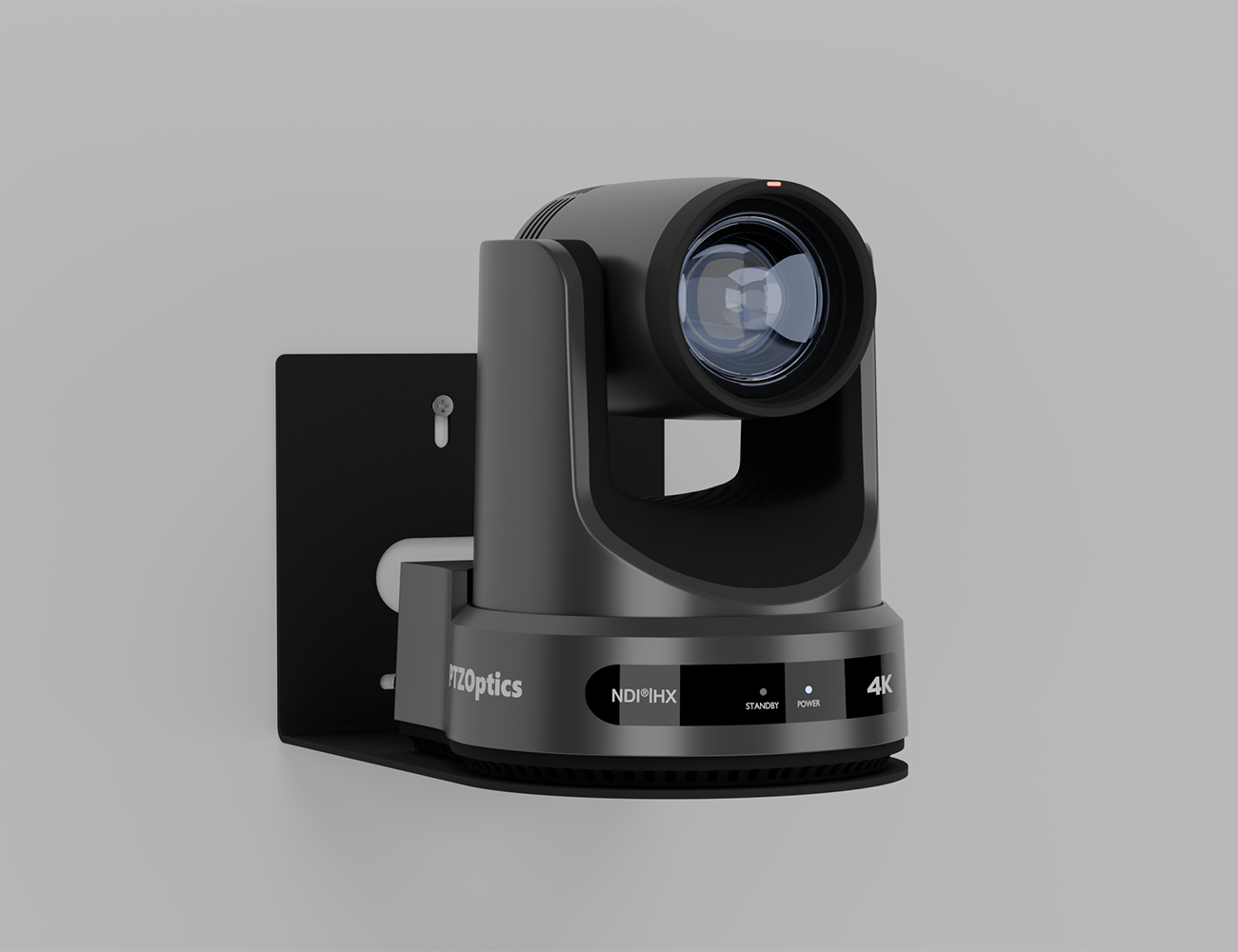
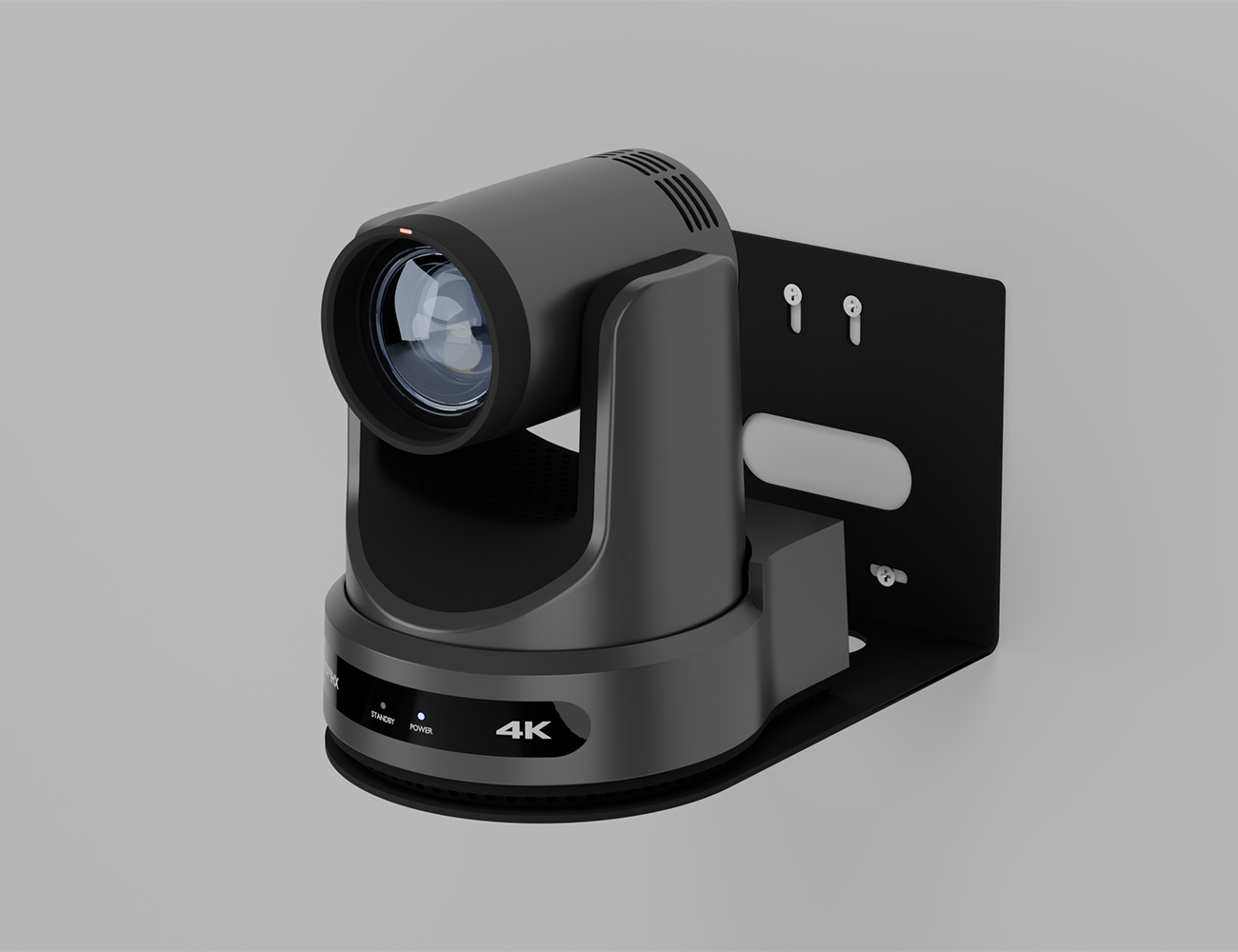
Mount your PTZOptics Move 4K camera above, below or beside the action to capture the ideal view every time. The new automatic video inversion feature senses the camera’s orientation and saves time on installation and setup.
Click the links below to learn more about our PTZ mounts:

Take Control Your Way

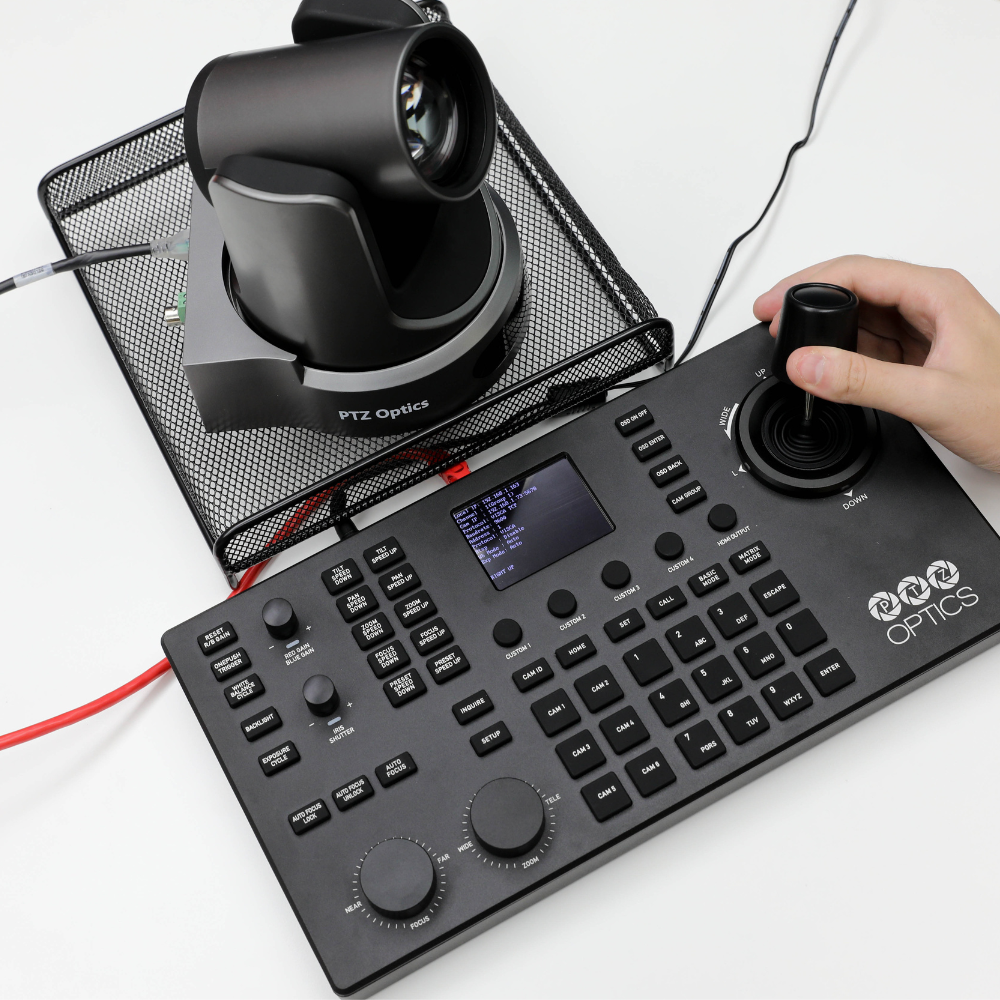
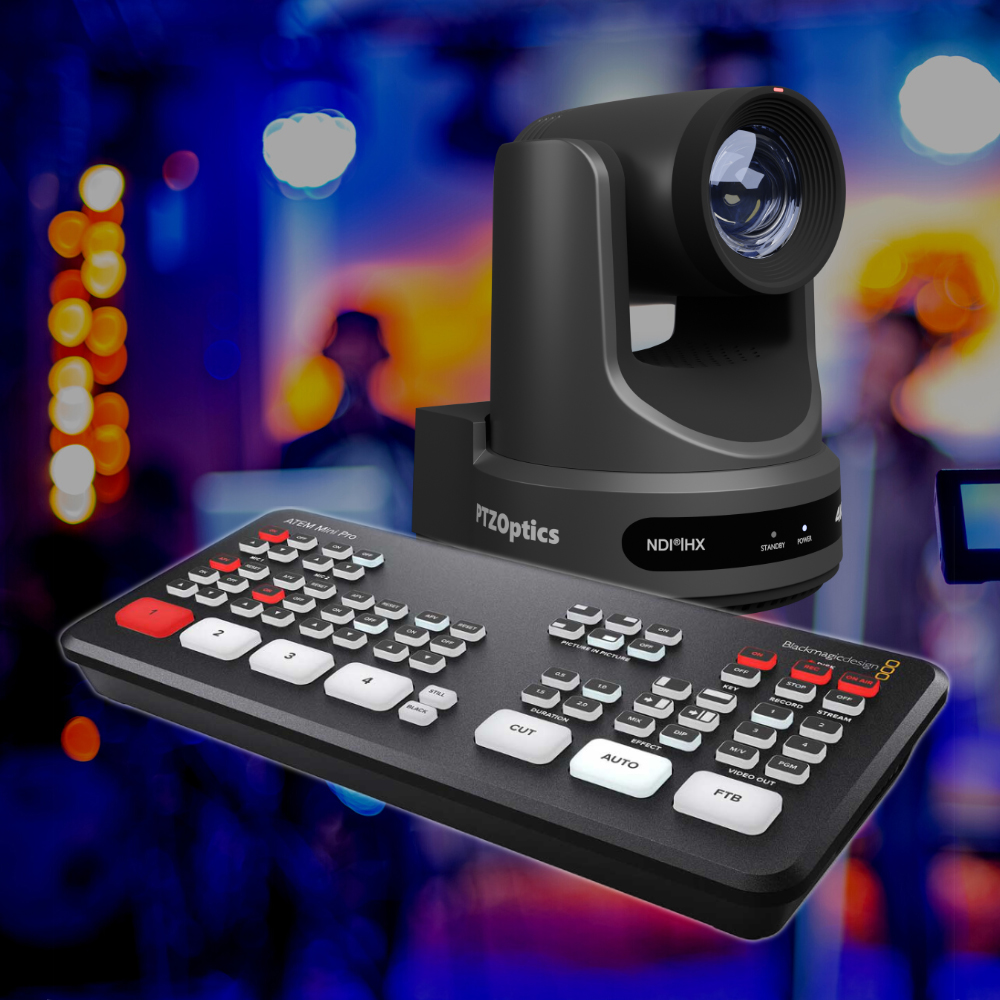
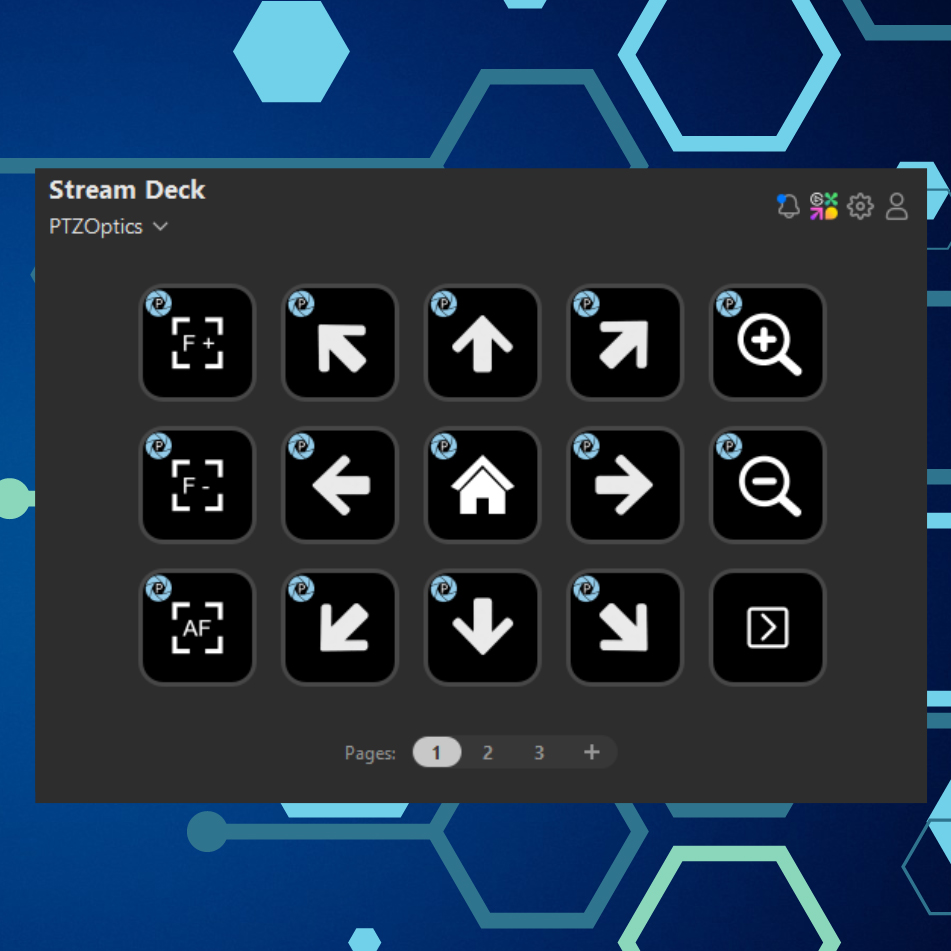
Users can control Move 4K cameras using video production software and hardware such as OBS, Livestream Studio, Wirecast, vMix, mimoLive, Tricaster, and the Elgato StreamDeck — or check out one of our hardware joystick controllers such as our IP joystick, serial joystick, or the SuperJoy. The options for camera control are endless, allowing you to take charge of your camera in a way that fits your workflow.
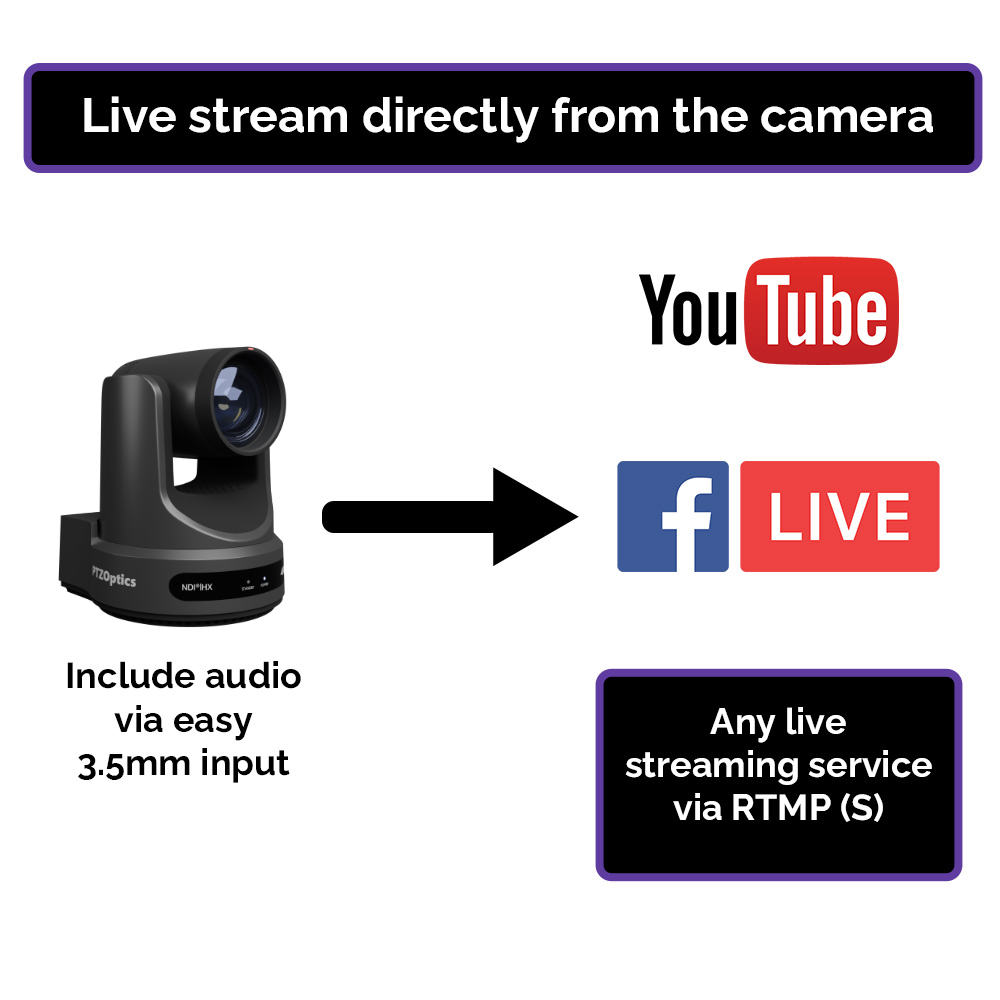
Move 4K cameras can be controlled remotely from anywhere in the world using a variety of tools, including NDI® and cloud-based software such as PTZOptics Hive and Zoom. Users can also live stream directly to content delivery networks such as Facebook and Youtube.
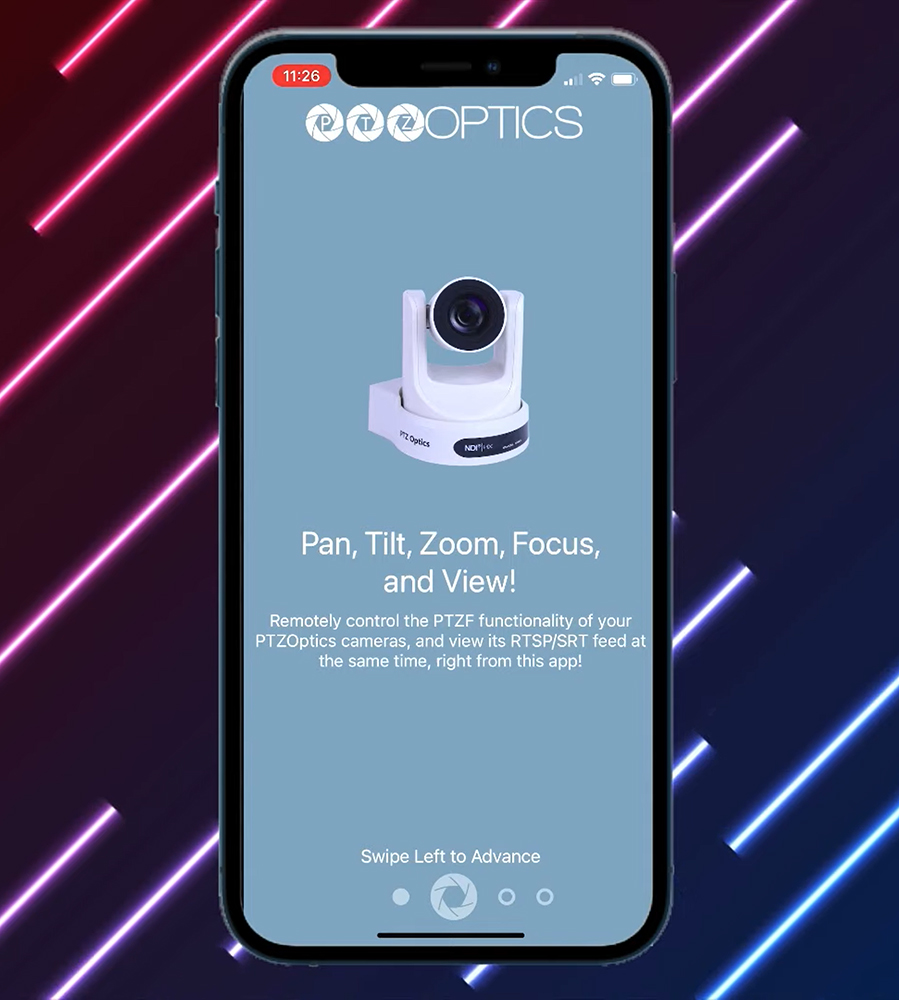
PTZ Control Pro 2 app

Free Software for PTZOptics Users

PTZOptics cameras are compatible with a wide range of free software solutions, including:
  • Camera Management Platform (CMP) for camera management, control, color correction, auto-tracking
  • Control apps for desktop and mobile devices
  • Plugins and integrations for popular platforms, including OBS
  • Camera configuration and management tools
  • Support and testing utilities
  • And more!
To view a list of free software compatible with Move 4K cameras, check out the Software tab at the top of this page. View a full list of our free software here.

Unrivaled Warranties

With robust warranties included standard on every product, you can trust PTZOptics solutions to deliver high performance from day one, and for many years to follow.
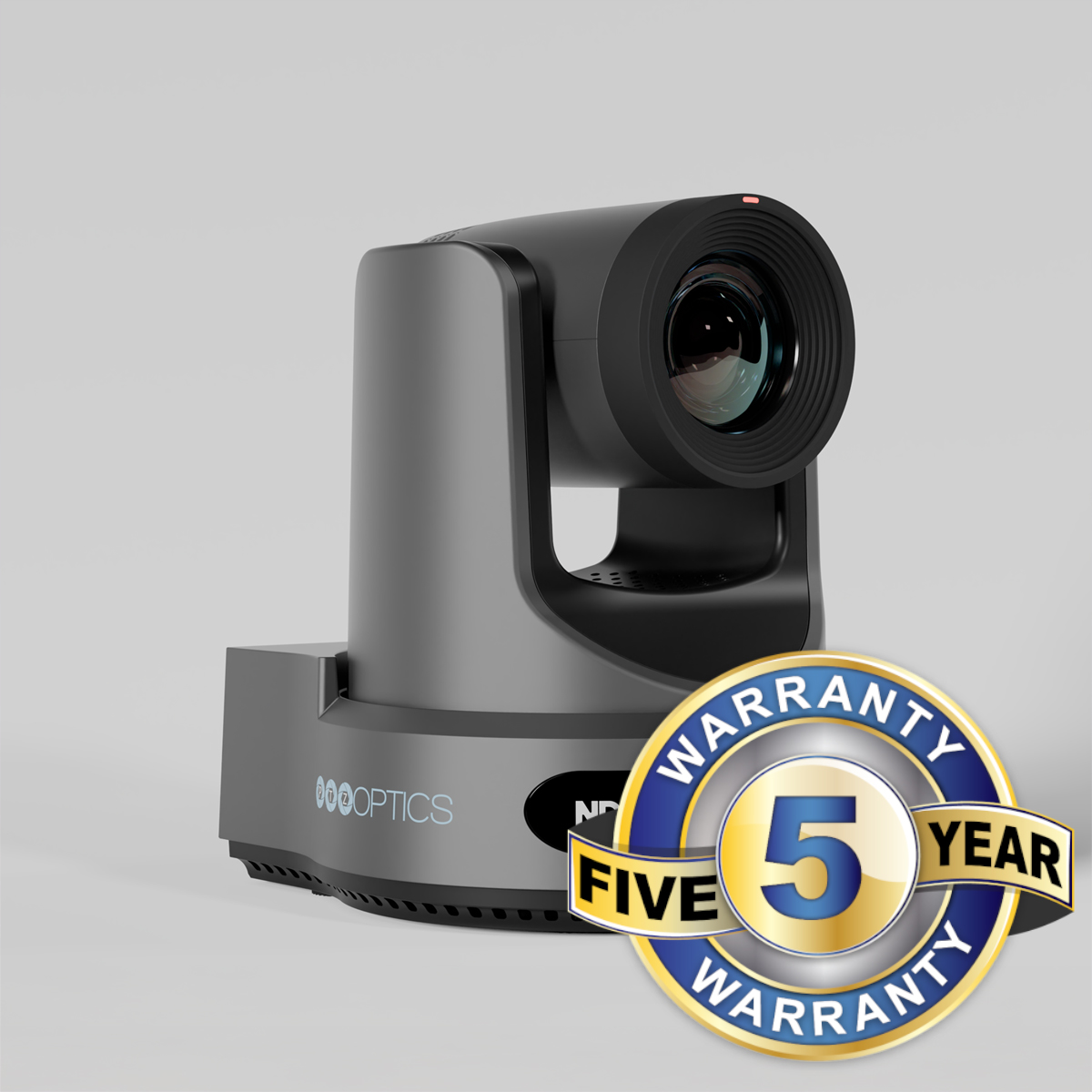
The Move 4K comes with a 5-year limited parts and labor warranty. PTZOptics stands by our promise to protect your investment by providing repairs or replacement products for the duration of your warranty. For more information, view our complete warranty documentation for products purchased in the United States here. View our warranty documentation for products purchased internationally here.
Move 4K with 5 year warranty badge
Continuous firmware updates for the Move 4K

PTZOptics Continuous Advantage

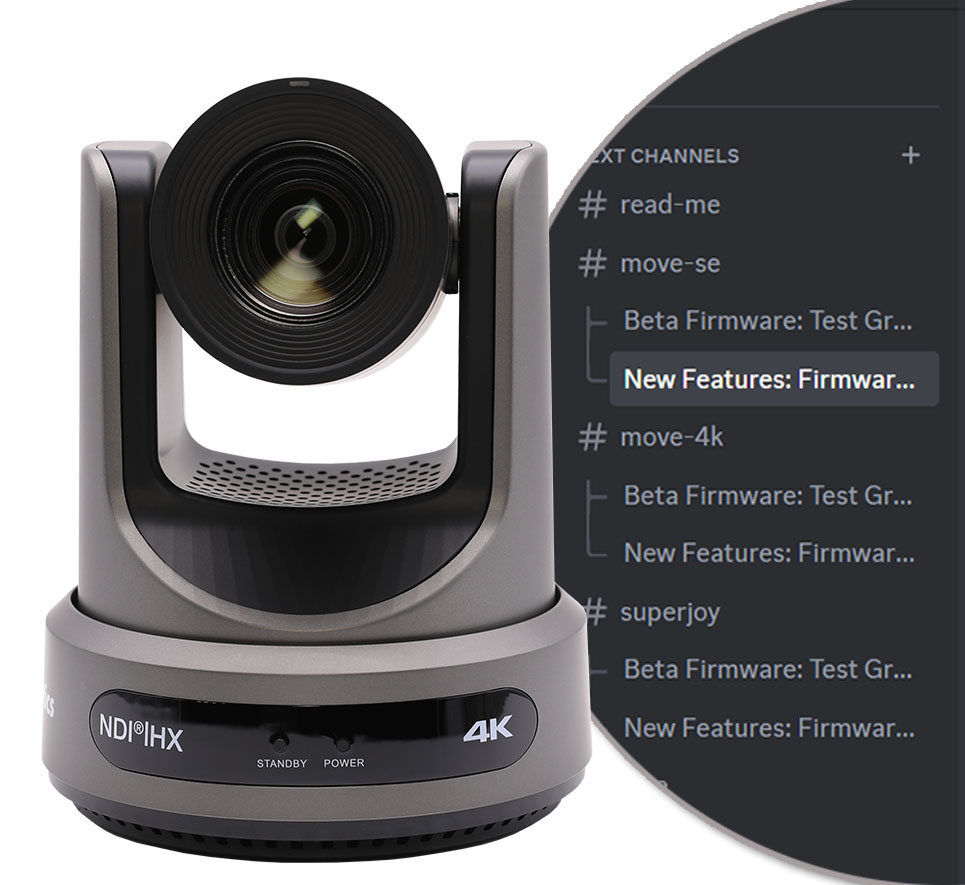
PTZOptics products continuously improve over their lifespan. Since 2014, PTZOptics has provided customers with regular, free product updates based on customer feedback, enhancing the value and functionality of their products over time. For example, the PTZOptics award-winning second generation camera line was improved with over 100 new features over its 7-year production life-span. Beginning in 2023, updates can be applied with a single click. Additionally, our new PTZOptics Discord channel allows users to communicate directly with our engineering team and access beta firmware. This approach enables products to evolve with users’ needs, increasing their overall value. Learn about our beta tester program here.

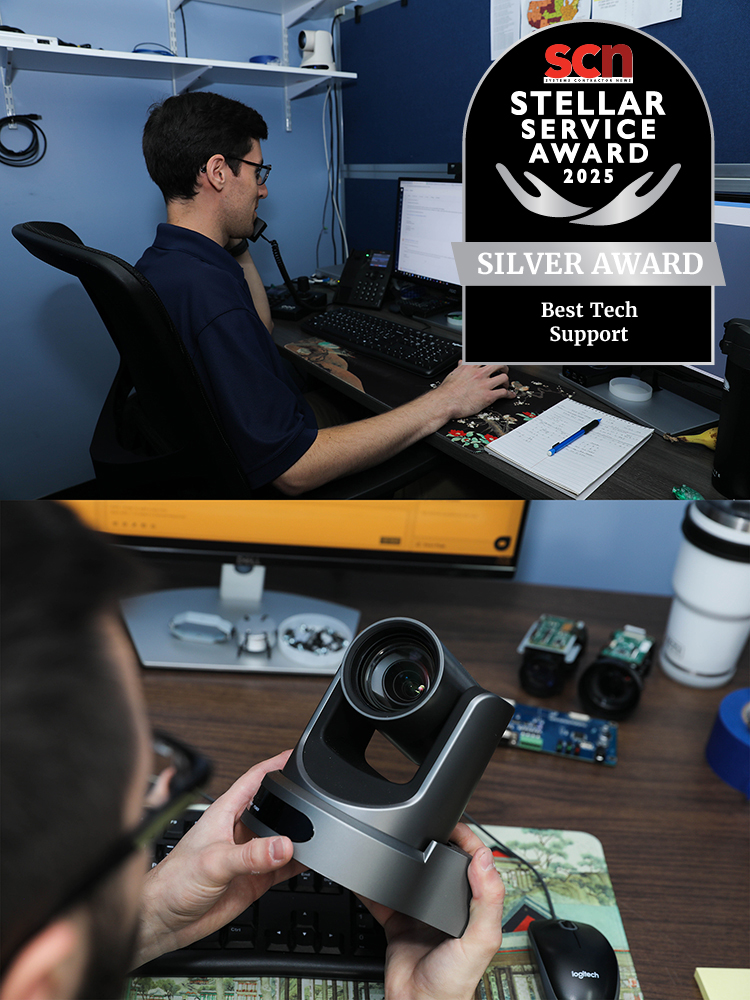
Unparalleled Value, Award-Winning Support

When you reach out to PTZOptics for support, you won’t get an automated system — you’ll get a team of in-house, US-based experts ready to help. Connect with us via:
PTZOptics support team

Features and
benefits

The PTZOptics Difference Is Clear

Move 4K

  • Available in 12x, 20x, and 30x
  • Up to 4K @ 60 FPS Resolution
  • 5 Year Warranty
  • USB 2.0 (Type A)
  • SDI
  • NDI®
  • HDMI
  • IP
  • Audio In 3.5mm
  • Built-In Tally Light
  • Hive-Linked: PTZ Control From Anywhere Using Hive*
  • Built-In Auto-Tracking
  • Auto-Framing (Group Lock): Track Groups with Ease
  • Presenter Lock: Track Specific People
*Hive-Linked functionality now in beta!

Generic 4K PTZ Camera

  • Available only in 20x
  • Up to 4K @ 60 FPS Resolution
  • 5 Year Warranty
  • USB 2.0 (Type A)
  • SDI
  • NDI®
  • HDMI
  • IP
  • Audio In 3.5mm
  • Built-In Tally Light
  • Hive-Linked: PTZ Control From Anywhere Using Hive
  • Built-In Auto-Tracking
  • Auto-Framing (Group Lock): Track Groups with Ease
  • Presenter Lock: Track Specific People

Hive-Linked (Now in Beta!)

The Move 4K Connects Instantly to Hive, Right Out of the Box

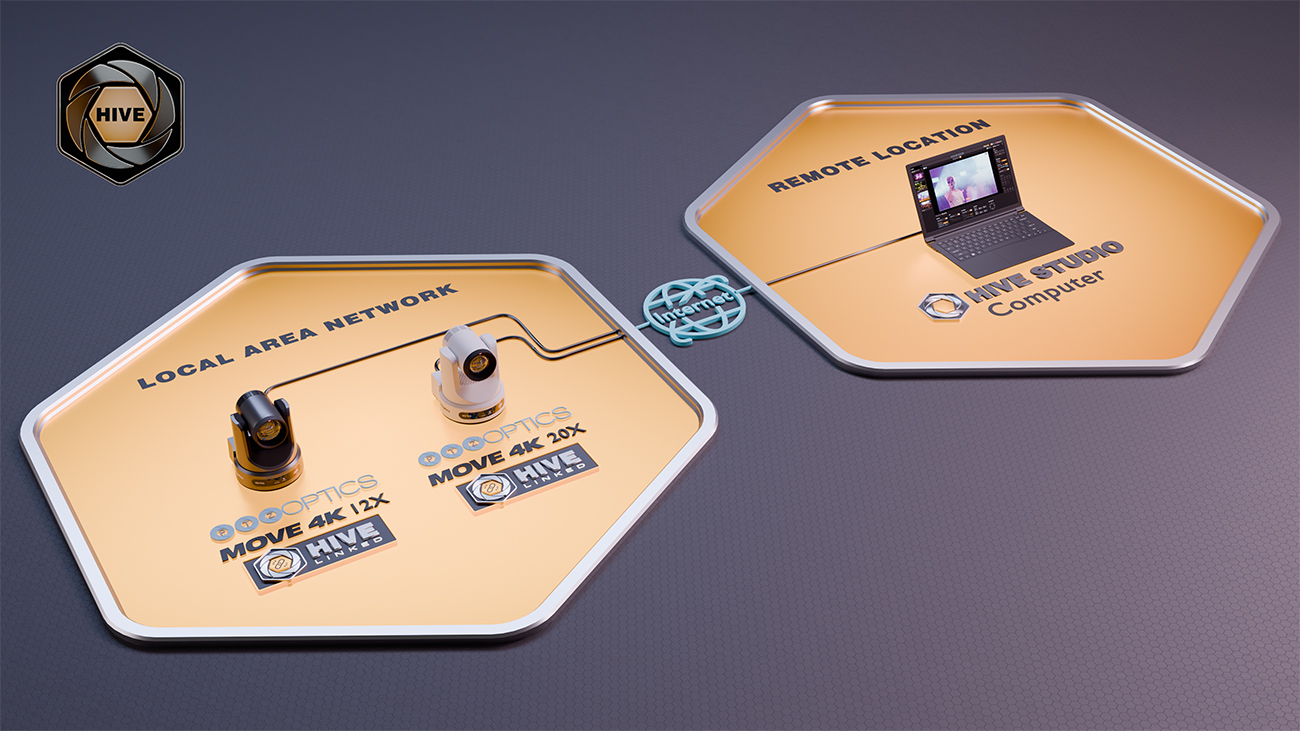
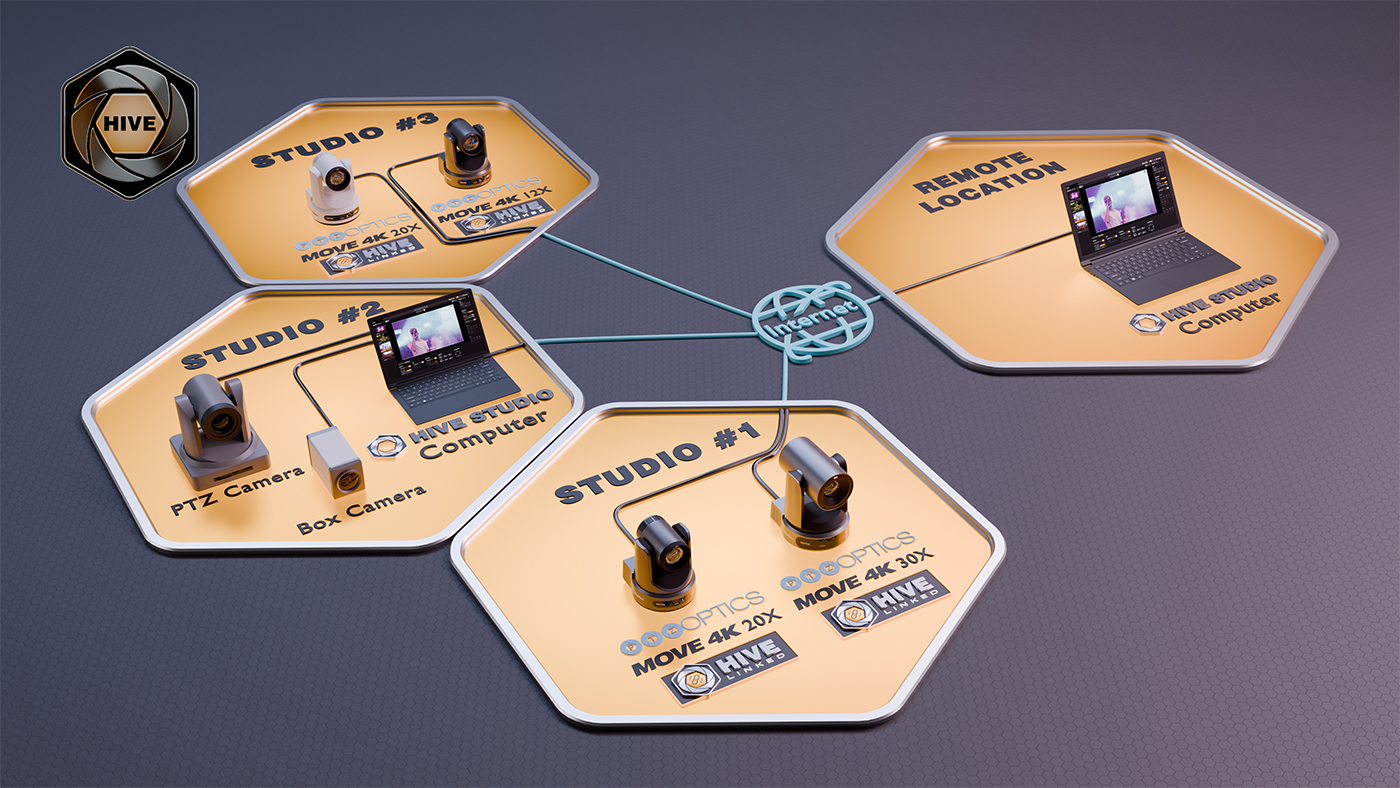
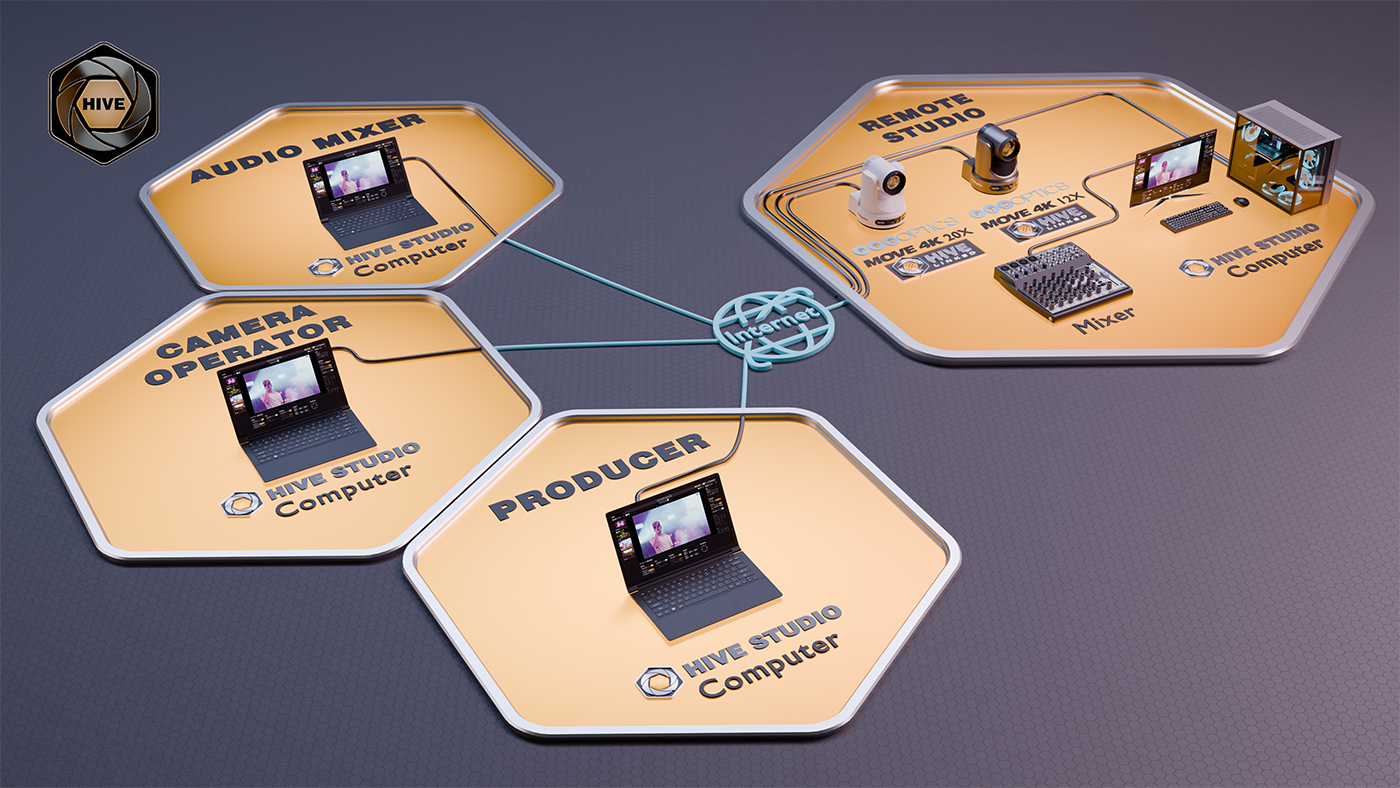
Easily control your Move 4K from anywhere in the world with just one simple link. PTZOptics Hive is the keystone of the PTZOptics ecosystem, offering a centralized platform that enhances your PTZOptics cameras. After a one-time link to the Hive, users can control their cameras anytime, anywhere. Hive-Linked cameras can be connected anytime they are plugged into a network – no application or additional hardware required. Hive-Linked functionality is now in beta!

Click to enlarge!

Where to Buy

Ready to get started? Just fill out the form below and we’ll be in touch shortly. 

Proudly Partnering With Distributors Around the World!

North America

International

...And More Worldwide!

See What Our Customers Are Saying

Ptzoptics Image

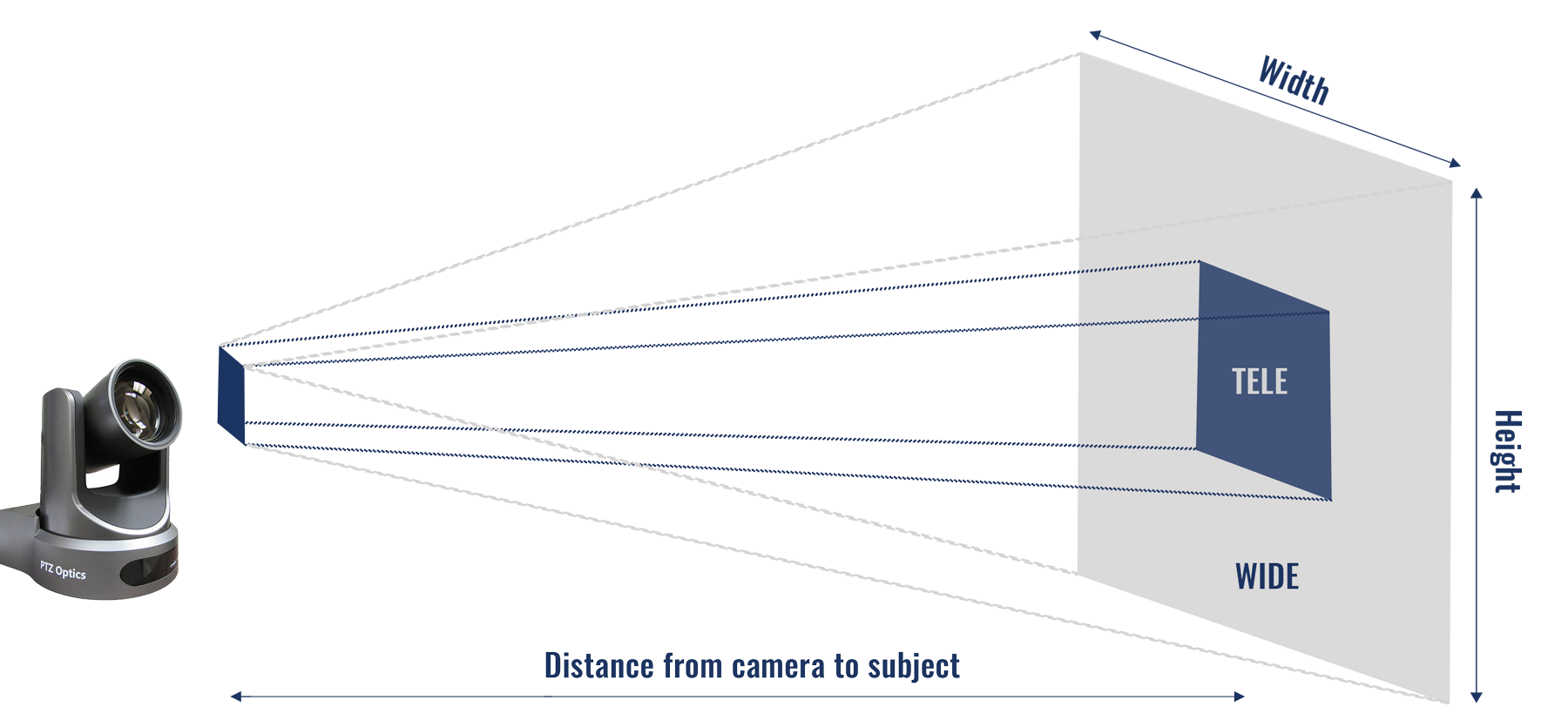
Field-of-View Calculator

Enter the distance.
Show output in:

Calculate

Image Width

icon Fully zoomed in:

icon Fully zoomed out:

Note: Image ratio is displayed in 16:9

Check Out Our Other Auto-Tracking Solutions!

Move SE with NDI logo angle left

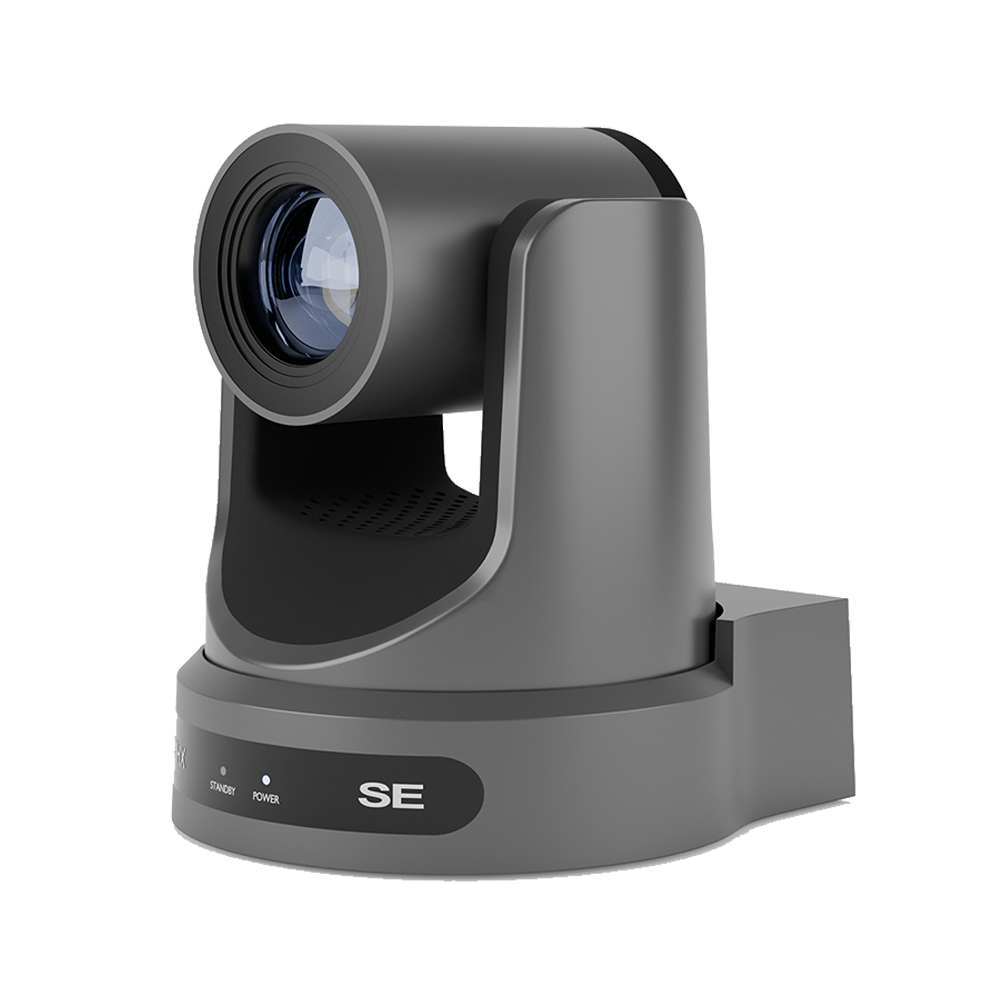
Move SE

Best NDI® Camera

Starting at $1319 MSRP

Link 4K angle right

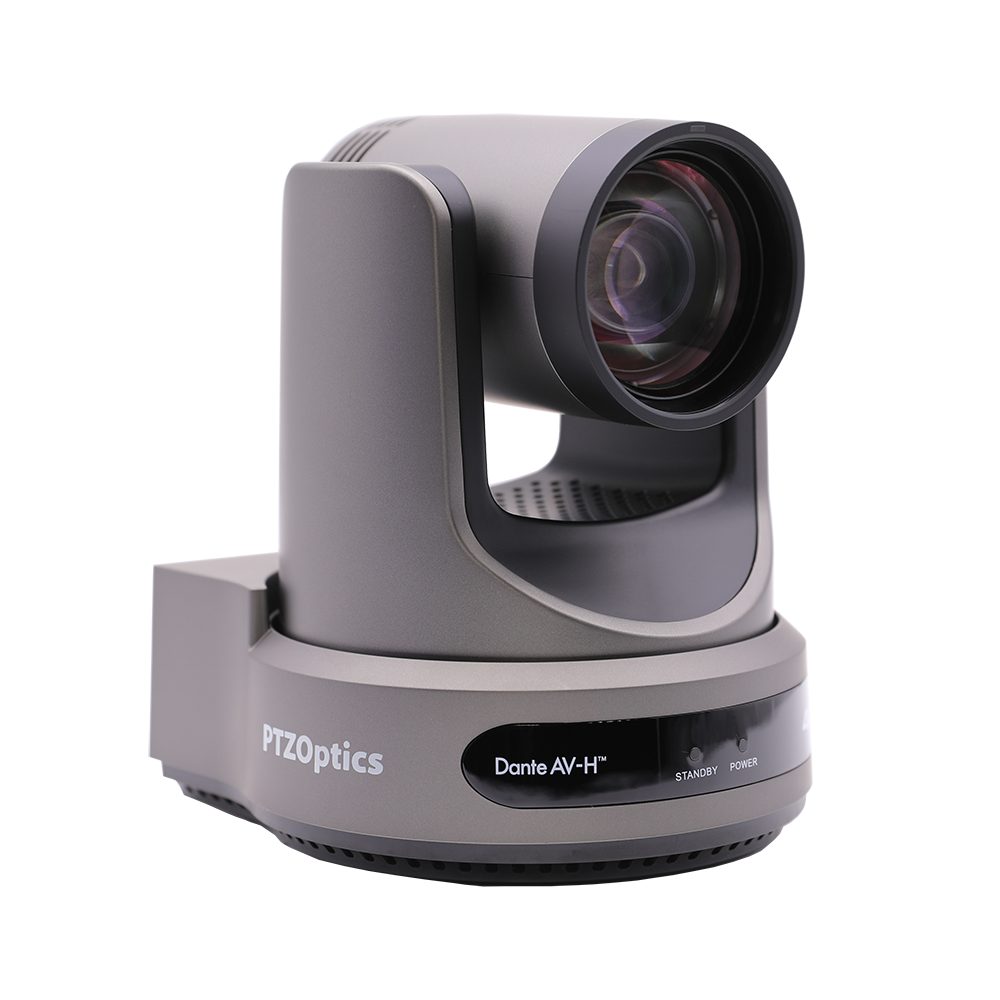
Link 4K

Best Pro Dante AV-H Camera

Starting at $2199 MSRP

Join the fam

Get Help

NEWSLETTER SIGNUP

The Move 4K is compliant with NDAA 2019, Section 889. This product does not contain components from any of the companies highlighted in NDAA 2019, Section 889.
NDAA Compliant badge
Image Sensor & Lens Video Sensor 12x: 1/2.5 inch, UHD Sony CMOS sensor, effective pixels: 8.51M
20x and 30x: 1/1.8 inch, UHD Sony CMOS sensor, effective pixels: 8.42M
Lens 12x: f = 4.4mm ~ 52.8mm, F1.8 ~ F2.6
20x: f = 6.25mm ~ 125mm, F1.58 ~ F3.95
30x: f = 7.1mm ~ 210mm, F1.61 ~ F5.19.
Lens (35mm Equivalencies) 12x: 25mm ~ 299mm, F1.8 ~ F2.6
20x: 31mm ~ 589mm, F1.58 ~ F3.95
30x: 32mm ~ 825mm, F1.61 ~ F5.19
Resolution and Frame Rate HDMI: 3840x2160p-60/59.94/50/30/29.97/25, 1920x1080p60/59.94/50/30/29.97/25, 1920x1080i-60/59.94/50, 1280x720p-60/59.94
SDI: 1920x1080p-60/59.94/50/30/29.97/25,1920x1080i-60/59.94/50, 1280x720p-60/59.94
Digital Zoom Off (3840x2160), 2X (1920x1080), 3X (1280x720), 4X (960x540), 8X (480x270), 16X (256x144)
Field of View 12x: Horizontal: 6.9° (tele) ~ 72.5° (wide), Vertical: 3.9° (tele) ~ 44.8° (wide)
20x: Horizontal: 3.5° (tele) ~ 60.7° (wide), Vertical: 1.9° (tele) ~ 34.1° (wide)
30x: Horizontal: 2.5° (tele) ~ 59.2° (wide), Vertical: 1.4° (tele) ~ 34.6° (wide)
Display Field of View 12x: 80.2°
20x: 67.8°
30x: 66.2°
Min. Lux 0.5 Lux @ (F1.8, AGC ON)
Shutter 1/30s ~ 1/10000s
Pan/Tilt Movement Pan Movement ±170°
Pan Speed 1.7°/s ~ 100°/s
Tilt Movement -30° ~ +90°
Tilt Speed 1.7°/s ~ 69.9°/s
Presets 255 Presets
Video Tracking Supported
Image Flip, Mirror and Freeze Supported
Power Options Power Supply DC 12V / PoE+ (802.3at)
Input Power 18W (Max)
Physical Specifications Material Aluminum, Plastic
Color White and Gray
Dimensions (W x D x H) 12x and 20x: 5.57 x 5.94 x 7.91 in., 168.4 x 141.5 x 164.5 mm
30x: 6.69 x 7.12 x 8.98 in., 170 x 181 x 228 mm
Weight 12x and 20x: 3.25 lbs (1.47 kg)
30x: 4.41 lbs (2.0 kg)
Working Environment Indoor
Operating Temperature 14°F ~ 104°F (-10°C to 40°C)
Storage Temperature -40°F ~ 140°F (-40°C to 60°C)
Rear Board Connectors HD Video Output 1x RJ45: 10/100/1000M Adaptive Ethernet Port424M standard
1x HDMI: version 2.0
1x USB 2.0: type A
1x 3G-SDI: BNC type, 800mVP-p, 75Ω, Along to SMPTE 424M standard
Audio Interface 1x 3.5mm Line level Input
Communication Interface 1x 8 pin Mini-din RS232 input, Max distance: 98.5ft / 30m, protocol: VISCA / Pelco-D / Pelco-P
1x 8 pin Mini-din RS232 output, Max distance 98.5ft / 30m, protocol: VISCA / Pelco-D / Pelco-P
1x 2 pin Phoenix port, RS485 input / output, Max distance 3,937ft / 1200m, protocol: VISCA / Pelco-D / Pelco-P
Network Interface RJ45: 10/100/1000M Adaptive Ethernet Port, supports PoE+ (802.3at)
Power Jack JEITA type (DC IN 12V)
 

New Firmware Features for the Move 4K

Currently available for 12x, 20x, and 30x models!

Check out written instructions on how to update your camera’s firmware here.


01/12/2026 Move 4K Firmware Feature Highlights

SOC ver 0.0.83


New Features


HIVE Linked Integration

  • HIVE Linked Enabled: The camera now includes HIVE Linked, allowing users to connect directly to the PTZOptics HIVE platform. This integration unlocks powerful remote management, monitoring, and collaboration capabilities, providing users with centralized access to camera control, status monitoring, and multi-location coordination through the cloud. For more information, visit Hive Studio


PTZOptics Updater Application

  • PTZOptics Updater Integration: Added the PTZOptics Updater application, giving users access to the onboard Voice Tracking (https://ptzoptics.com/voice-tracking/) and early access to Beta Features such as Horizon (https://ptzoptics.com/horizon/). This tool simplifies firmware and feature updates, ensuring users can easily enable the latest innovations directly from their camera interface.


Video and Audio Enhancements


  • NDI 6 Upgrade: Upgraded NDI support from NDI 5 to NDI 6 for improved compatibility, performance, and access to the latest NDI protocol features.
  •  
  • G711 Audio Encoding: Added support for G711 audio as an available encoding protocol. This improves interoperability with third-party software systems and addresses key compatibility requirements from software developers.
  •  
  • Super Zoom Feature Replacement: The previously named Hybrid Zoom feature in Video Settings has been replaced with the updated Super Zoom functionality. This improves zoom flexibility and preserves 1080p resolution across the extended zoom range.
  •  
  • Exposure Mode – Bright Mode: Added a Bright Mode option under Dashboard > Image > Exposure > Exposure Mode.
  •  
  • One Push Exposure: Added One Push Exposure functionality, allowing the camera to automatically set optimal exposure based on current lighting conditions. Once calibrated, the settings are held, similar to One Push White Balance.
  •  
  • USB Video Configuration: Added the ability to define the USB video output resolution listed under USB Video Stream.
  •  
  • Updated Volume Setting Behavior: Input and Output Volume settings now apply immediately without requiring a reboot or clicking Apply.
  •  
  • Increased Kelvin Scale Precision: Enhanced White Balance control in VAR mode by changing the adjustment increments from 100 to 20 for finer adjustments.
  •  
  • ONVIF Profile S Certification: The camera fully complies with all ONVIF Profile S requirements and is officially certified.
  •  
  • Automation and Control
  •  
  • Presenter Lock Mode: The Automation section has been updated to rename Bounding Boxes to Presenter Lock Mode. Information symbols have also been enhanced for clarity.

  •  
  • Auto-Tracking Delay Behavior: Auto-Tracking now starts instantly after the user-defined Delay Time, eliminating the previous default 4-second delay that was added on top of the configured value.

  •  
  • Tilt-Lock Option for Auto-Tracking: Added a new Tilt-Lock feature within Auto-Tracking. When enabled, the camera restricts vertical movement and only follows horizontal motion. A dedicated Tilt-Lock option is now present in the Automation section for easier access.

  •  
  • Tracking Preset Recall: Introduced dedicated preset numbers for toggling tracking. This enables users with serial controllers to manage tracking more easily.

    • Preset 150 = Tracking On
    • Preset 151 = Tracking Off
    •  
  • Redefined Tracking Compositions: The camera’s tracking composition options have been expanded to provide greater user customization.

    • Horizontal Compositions: Existing Left, Center, and Right options have been reclassified under Horizontal Compositions.
    •  
    • Vertical Compositions: Added new Vertical Composition options, including Top, Center, and Bottom positioning.
    •  
  • Auto-Framing Behavior: Adjusted the Auto-Framing feature to zoom in or out based on the number of subjects in the frame instead of defaulting to a maximum zoom-out position.

  •  
  • Multi-Target Select Visual Enhancements: Improved the visibility and persistence of bounding boxes during Auto-Tracking with Multi-Target Select enabled. Bounding boxes now remain visible during tracking, and identification numbers are larger for better visibility.

  •  
  • Multi-Target Select – Improved Identification and Reassignment Prevention: Improved bounding-box assignments for each identified subject, providing unique numbering with fewer false identification issues.

  •  

UI and System Changes

  • USB Port Function: Added a selectable option in Dashboard > Control > USB Mode, allowing users to choose between UVC or Host mode.

  •  
  • RTSP Stream Info Display: RTSP stream settings are now visible in the web interface and can be copied directly for easier integration with external software.

  •  
  • NTP Timestamp Overlay: Users can now enable an NTP Timestamp overlay in the Network Settings section. Placement options include Top or Bottom, and Left, Center, or Right. This matches the feature in the Move SE.

  •  
  • Updated Encoding Protocol Info Symbol: Added a new info icon next to the Encoding Protocol selection in the web UI providing descriptions of each protocol.

  •  
  • Device Info Button Change: The community.ptzoptics.com button has been replaced with a Need Help? button linking to the same community site.

  •  
  • ONVIF Authentication Default Enabled: ONVIF authentication is now enabled by default to align with updated security protocols and ensure the ONVIF route is protected out of the box.

  •  
  • MTU Frames: Added MTU configuration to allow users to adjust the maximum packet size up to 8,000 bytes, with the default set at 1,500.

    • Note: Changing MTU settings can improve performance in properly configured environments but may cause connectivity issues if not supported by all network devices. Only adjust these settings if you understand your network’s capabilities and requirements.


Control and Integrations

  • NDI Absolute Positioning: Added compatibility with third-party software (e.g., Resolume) using NDI Absolute Position commands.
  •  
API Additions
  • HTTP Movement Status Query – Added route to allow users to query whether the camera is actively moving. The endpoint returns a boolean response (true or false) indicating Pan, Tilt, Zoom or Focus motion.
    •  
    • Note: This status does not report focus movement when Auto Focus is enabled.
    •  
GET /api/v1/info/is-moving


Example: GET http://192.168.100.88/api/v1/info/is-moving
Returns:
{
"isMoving": false
}


  • Bounding Box Data Query: Added the ability to query subject-recognition bounding box data via the API. When subject recognition is enabled, the endpoint returns an array of detected objects with bounding box coordinates and dimensions. When subject recognition is disabled or no subjects are detected, the response returns an empty object list.
  •  
GET /cgi-bin/param.cgi?get_tally_status


Example: GET http://192.168.100.88/cgi-bin/param.cgi?get_tally_status
Returns: {
"status": 200,
"data": {
"tally": "Off",
"standby": "0",
"privacy": "0",
"objs": [
{
"ID": "1",
"X": 13,
"Y": 242,
"Width": 77,
"Height": 117
},
{
"ID": "2",
"X": 79,
"Y": 221,
"Width": 64,
"Height": 138
}
],
"shoulddraw": "0",
"target": "2"
}
}


  • Snapshot Stream 1 and 2: Added support for retrieving snapshots from either stream, providing the option to capture higher-resolution still images.
  •  
GET http://[ipaddress]/snapshot0.jpg → Stream 1
GET http://[ipaddress]/snapshot1.jpg → Stream 2
  •  
  • PT Limits Inquiry: Added support for querying the camera’s current Pan-Tilt (PT) limit settings via HTTP commands. Users can now retrieve the defined coordinates for panMin, panMax, tiltMin, and tiltMax, enabling easier configuration verification and integration with external control systems.
  •  
GET /api/v1/info/pt-limit


Example: GET http://192.168.100.88/api/v1/info/pt-limit
Returns: {
"panMax": 170.000,
"panMin": -170.000,
"tiltMax": 90.000,
"tiltMin": -30.000
}
  •  
  • Preset Inquiry: Added a new Preset Inquiry, allowing users to retrieve or confirm the absolute pan, tilt, and zoom coordinates stored for a specific preset without recalling it. This enables precise monitoring and integration with external automation systems.
  •  
GET /api/v1/info/preset/1


Example: GET http://192.168.100.88/api/v1/info/preset/1
Returns: {
"exist": true,
"focusPos": 1026,
"panPos": 42.432,
"tiltPos": -29.239,
"zoomPos": 3294
}


  • Preset Recall Completion Confirmation: Added the ability to receive a completion response when recalling a preset. When a preset recall command is issued, the camera will execute the movement and hold the request until the preset position is fully reached. Once the camera arrives at the target position, the API will return a confirmation response indicating success.
  •  
POST /api/v1/action/preset
Body:
{
"action":"recall",
"position":<preset number>
}
Example: POST http://192.168.100.88/api/v1/action/preset
Body:
{
"action":"recall",
"position":1
}
Returns:
{
"msg": "operate success"
}


FreeD Interface Overhaul

  •  
  • Dedicated FreeD (BETA) Tab: The FreeD UI has been moved from the Mode section into its own tab under the Control menu, making it easier to access and manage.

  •  
  • Expanded FreeD Command Support: The dropdown menu now includes command types: D-Stream, D-Poll, A-Stream, and A-Poll, increasing compatibility with external systems.

  •  
  • Camera ID Configuration: Added a new Camera ID text entry field to define the ID used as the second byte in FreeD Hex commands (e.g., D0 01 01 D2). This ID is essential for proper device targeting and stream control.

  •  
  • Configurable Ports with Updated Defaults:

    •  
    • Data Port: Default 40000
    • UDP Control Port: Default 1259 (updated from 19147)
  •  
  • Expanded FreeD Streaming Parameters: FreeD output now includes X, Y, Z coordinates and Roll, providing a more complete data set for motion tracking and virtual production.

  •  
  •  
  • Protocol-Compliant FreeD Hex Message Format: FreeD messages now follow the correct protocol structure to improve standardization and third-party compatibility. Each FreeD command is composed of the following hexadecimal fields, sent in order:

    • D0 – Message Type
    • CA – Camera ID (user-defined)
    • CD – Command (00 = Stop Stream, 01 = Start Stream)
    • CK – Checksum (calculated using 8-bit modulo 256)
    •  
The following HEX command enables the FreeD stream for Camera ID `01`and should be sent via UDP on port 1259:
Example: D0 01 01 D2
Response: Data Streaming on port 40000
D1 01 0C 41 C7 00 3E 38 00 00 00 00 00 00 00 00 00 00 00 00 00 00 00 00 0F D0 00 00 3B
  •  
  • Unreal Engine Compatibility: The FreeD checksum and output format have been corrected, enabling operation with Unreal Engine using the LiveLink plugin. For setup, configure the connection to the camera’s IP (e.g., 0.0.0.0) to begin receiving positional data.


Bug Fixes

  •  
  • Pan/Tilt Stop Command Bug: Fixed an issue where the camera intermittently ignored Pan/Tilt Stop commands (81 01 06 01 vv ww 03 03 FF) from serial controllers. Control is now consistent and reliable.

  •  
  • Time Server & SSL Certificate Issue: The camera now properly manages time-zone data, ensuring SSL certificate auto-renewal works as intended.

  •  
  • VISCA Standby Inquiry Command Fix: Corrected an issue where the VISCA Standby Inquiry command (81 09 04 00 FF) was returning an error response (90 62 41 FF) and not functioning as expected. The command now operates correctly, returning (90 50 03 FF) when the camera is in Standby mode.


Known Issues

  1. MTU / Jumbo Frames: Some network switches and routers may not support MTU values above 1,500, which can result in packet loss or unstable connections.

  2. Move 4K/Link 4K 30X Focus Limit Functionality: When testing the Focus Limit feature, setting the Furthest Position (e.g., 1 m) does not currently restrict autofocus beyond that point.

  3. Multi-Target Select – Identification Persistence: When using Auto-Tracking with Multi-Target Select, identification numbers may not consistently stay assigned to the same individual when multiple people are present or cross paths. The Home button does not currently refresh or reassign bounding boxes as described, and a reboot may be required to restore numbering.

  4. FreeD Stream Activation: While FreeD data output and checksum formatting have been corrected and verified with Unreal Engine’s LiveLink plugin, the FreeD stream does not automatically start from the web interface. Users must select the desired stream option in the web interface and manually enable the stream using the Hex command (e.g., via Packet Sender):Enable Stream Command: D0 01 01 D2

  5. NDI Send Groups – Web UI Limitation: While comma-separated NDI Group entries are supported via HTTP commands, this functionality is not yet available in the Web UI. Users must configure multiple groups through API or HTTP commands until Web UI support is added in a future update.

  6. USB Audio Setting Requires Multiple Reboots: When enabling or disabling USB Audio via the Web UI, the selected setting may not apply after the first reboot. Users may need to select the desired USB Audio state and reboot the camera a second time for the change to take effect.

  7. Pan/Tilt Drift After Preset Recall with Motion Sync Enabled: When Motion Sync is enabled, issuing manual Pan or Tilt commands immediately after recalling a preset may cause the camera to briefly overshoot the target position and drift before settling at the correct location.


3/3/2025 Move 4K Firmware Feature Highlights (20X ONLY):

Enhanced Tracking Algorithm

Improved the overall tracking algorithm for better accuracy and performance.

Reorganized Audio Section

Organized the audio section for improved usability.

Improved Security

“Guest Login” is disabled by default and can be enabled on the System Settings page, and added Digest Authentication to protect API routes enabled by default. Removed the ability to change the Focus parameters when logged in as a Guest user. Removed OSD access in the web interface when logged in as a Guest user.

Added VISCA Commands

Added VISCA Reboot Command: 0x81, 0x01, 0x3F, 0x0B, 0x01, 0xAA, 0xFF to allow remote rebooting of the camera via VISCA control. Added VISCA Privacy Command: 0x81, 0x01, 0x3F, 0x0A, 0x12, 0x0p, 0xFF to enable Privacy mode via VISCA control.

Bug Fixes

Resolved an issue where the Iris would not fully close in Manual Exposure mode when set to “Close.” Resolved an issue on Move 4K models where the stop command was not properly triggered when using serial control (RS-232 or RS-485). This caused the camera to continue moving to its limit after releasing the joystick.

Known Bugs

NDI video may freeze when simultaneously connected via USB for video. This issue occurs when the camera streams NDI while the USB is connected to another device.
Guest Access Focus Controls: Focus controls are currently missing from the Guest Access login.
When RTMP streaming to YouTube using camera video templates, bitrate errors may occur. Resolution: Adjusting the camera’s video settings to align with YouTube’s video requirements will improve streaming stability and functionality.
The NTP service address cannot be set within the 100 subnet (e.g., 192.168.100.10) through the web interface. This can be modified by using the HTTP API (/cgi-bin/param.cgi?post_network_other_conf&net_addr=[VALUE]) and sending the appropriate server address.

2/24/2025 Move 4K Firmware Feature Highlights (12X ONLY):

Enhanced Tracking Algorithm

Improved the overall tracking algorithm for better accuracy and performance.

Reorganized Audio Section

Organized the audio section for improved usability.

Improved Security

“Guest Login” is disabled by default and can be enabled on the System Settings page, and added Digest Authentication to protect API routes enabled by default. Removed the ability to change the Focus parameters when logged in as a Guest user. Removed OSD access in the web interface when logged in as a Guest user.

Added VISCA Commands

Added VISCA Reboot Command: 0x81, 0x01, 0x3F, 0x0B, 0x01, 0xAA, 0xFF to allow remote rebooting of the camera via VISCA control. Added VISCA Privacy Command: 0x81, 0x01, 0x3F, 0x0A, 0x12, 0x0p, 0xFF to enable Privacy mode via VISCA control.

Bug Fixes

Resolved an issue where the Iris would not fully close in Manual Exposure mode when set to “Close.” Resolved an issue on Move 4K models where the stop command was not properly triggered when using serial control (RS-232 or RS-485). This caused the camera to continue moving to its limit after releasing the joystick.

Known Bugs

NDI video may freeze when simultaneously connected via USB for video. This issue occurs when the camera streams NDI while the USB is connected to another device.
Guest Access Focus Controls: Focus controls are currently missing from the Guest Access login.
When RTMP streaming to YouTube using camera video templates, bitrate errors may occur. Resolution: Adjusting the camera’s video settings to align with YouTube’s video requirements will improve streaming stability and functionality.
The NTP service address cannot be set within the 100 subnet (e.g., 192.168.100.10) through the web interface. This can be modified by using the HTTP API (/cgi-bin/param.cgi?post_network_other_conf&net_addr=[VALUE]) and sending the appropriate server address.

1/14/2025 Move 4K Firmware Feature Highlights (30X ONLY):

Enhanced Tracking Algorithm

Improved the overall tracking algorithm for better accuracy and performance.

Reorganized Audio Section

Organized the audio section for improved usability.

Improved Security

“Guest Login” is disabled by default and can be enabled on the System Settings page, and added Digest Authentication to protect API routes enabled by default. Removed the ability to change the Focus parameters when logged in as a Guest user. Removed OSD access in the web interface when logged in as a Guest user.

Bug Fixes

Resolved an issue where the Iris would not fully close in Manual Exposure mode when set to “Close.” Resolved an issue on Move 4K models where the stop command was not properly triggered when using serial control (RS-232 or RS-485). This caused the camera to continue moving to its limit after releasing the joystick.

Known Bugs

NDI Control via PT-SuperJoy no longer functions.
NDI video may freeze when simultaneously connected via USB for video. This issue occurs when the camera streams NDI while the USB is connected to another device.
Guest Access Focus Controls: Focus controls are currently missing from the Guest Access login.

PTZOptics Move 4K Documentation

SKUMSRPDocuments
PT12X-4K-xx-G3$2,199Data Sheet | Manual | CAD Line Drawing | 3D CAD Renders
PT20X-4K-xx-G3$2,589Data Sheet | Manual | CAD Line Drawing | 3D CAD Renders | HETMA Approval Report
PT30X-4K-xx-G3$2,969Data Sheet | Manual | CAD Line Drawing | 3D CAD Renders

Note: “xx” stands for the color. Use “WH” for white and “GY” for black/gray.

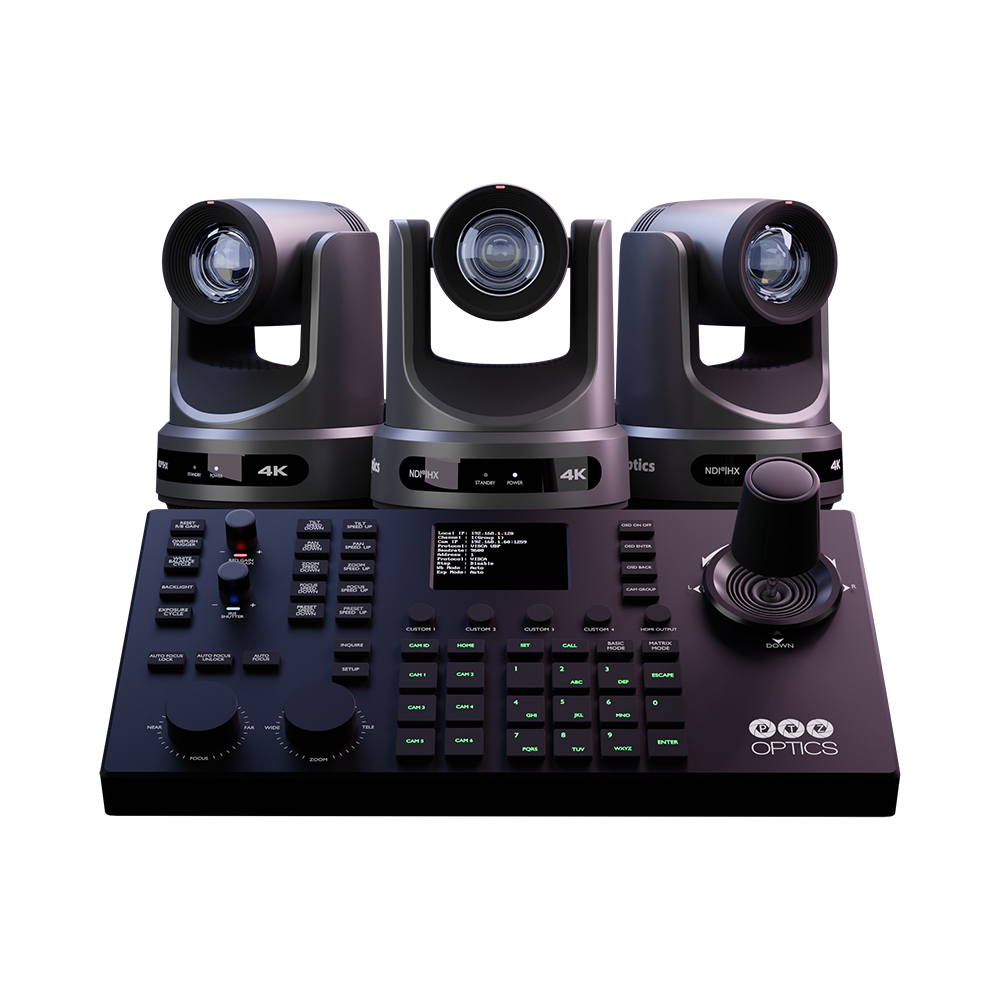
The PTZOptics Move Series is our first line of 4K PTZ cameras, featuring auto-tracking up to 300 feet to allow a single operator to take on the task of a full production team. The Move camera has outputs for SDI, HDMI, USB, and IP and comes with either a 12X, 20X, or 30X optical zoom, as well as a built-in tally light. The Move 4K comes native with NDI®|HX, so no additional license is needed to access your camera over the network.

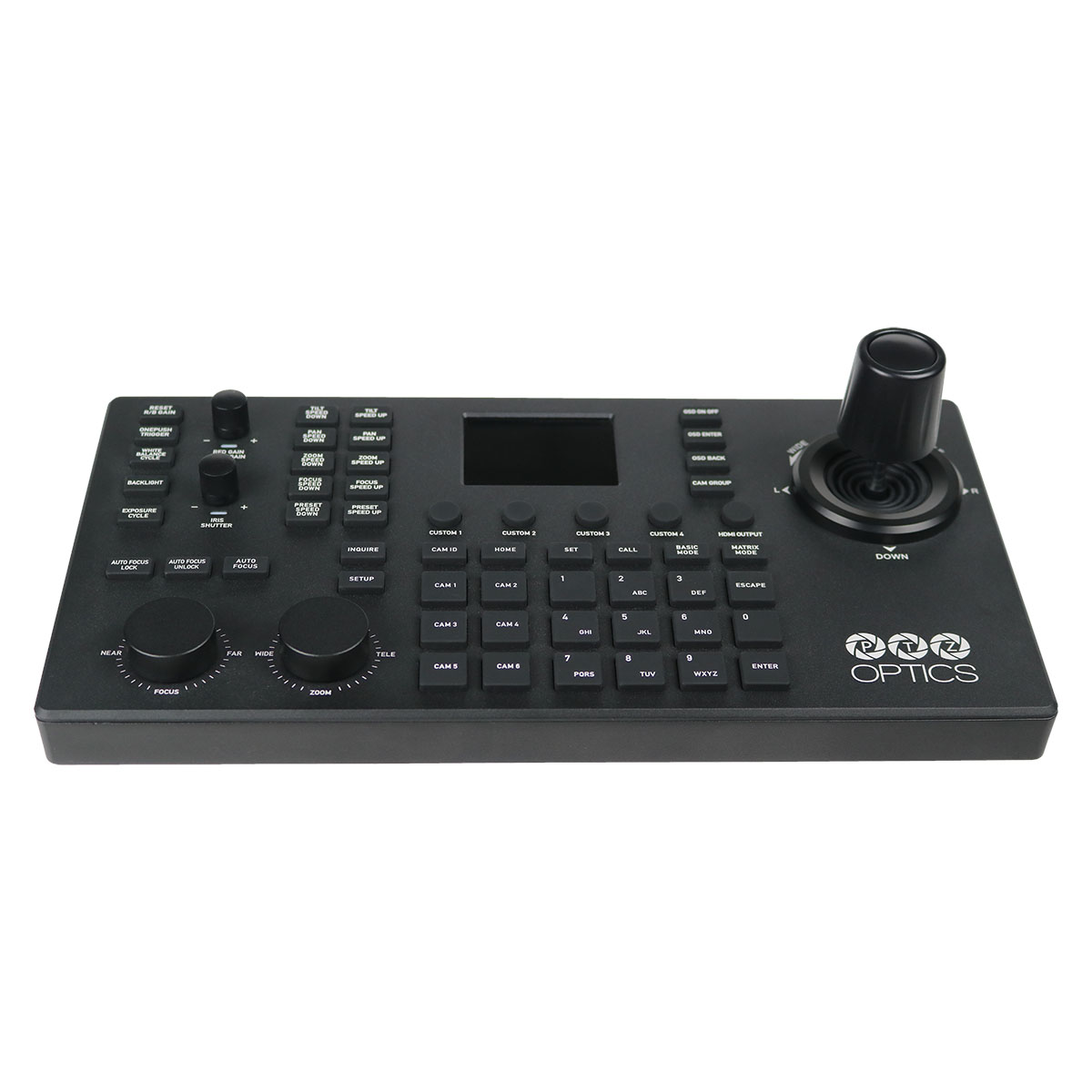
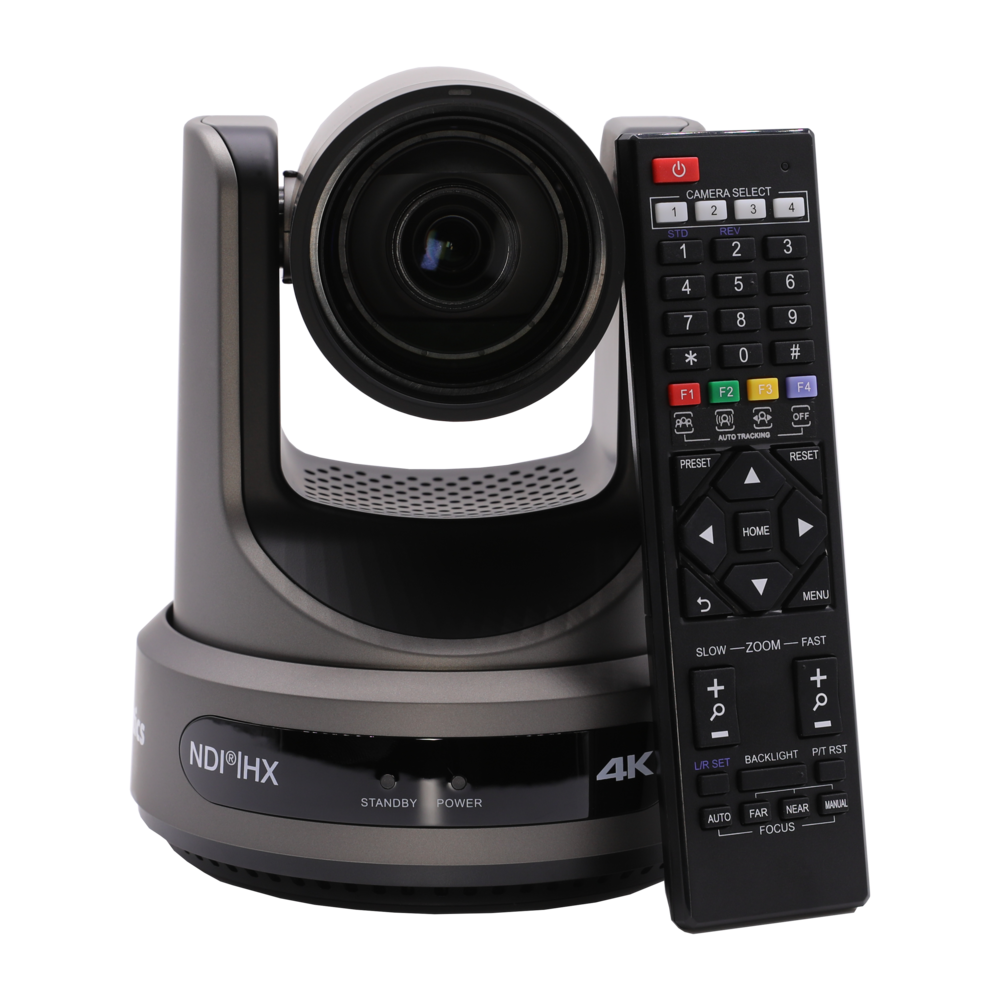
Looking to take more control? You can also use our SuperJoy joystick controller or a camera control app to elevate your production.
The Move 4K comes with a 5 year limited parts and labor warranty.

Accessories

These PTZOptics accessories are compatible with our Move 4K cameras.

Mounts

PTZOptics mounts are the highest quality option for affixing your camera to a wall, ceiling, or pole. Our universal design works with almost any camera and features a sleek silhouette for discreet mounting scenarios.  Available in black or white.

PTZOptics Ceiling Mount

Universal ceiling mount

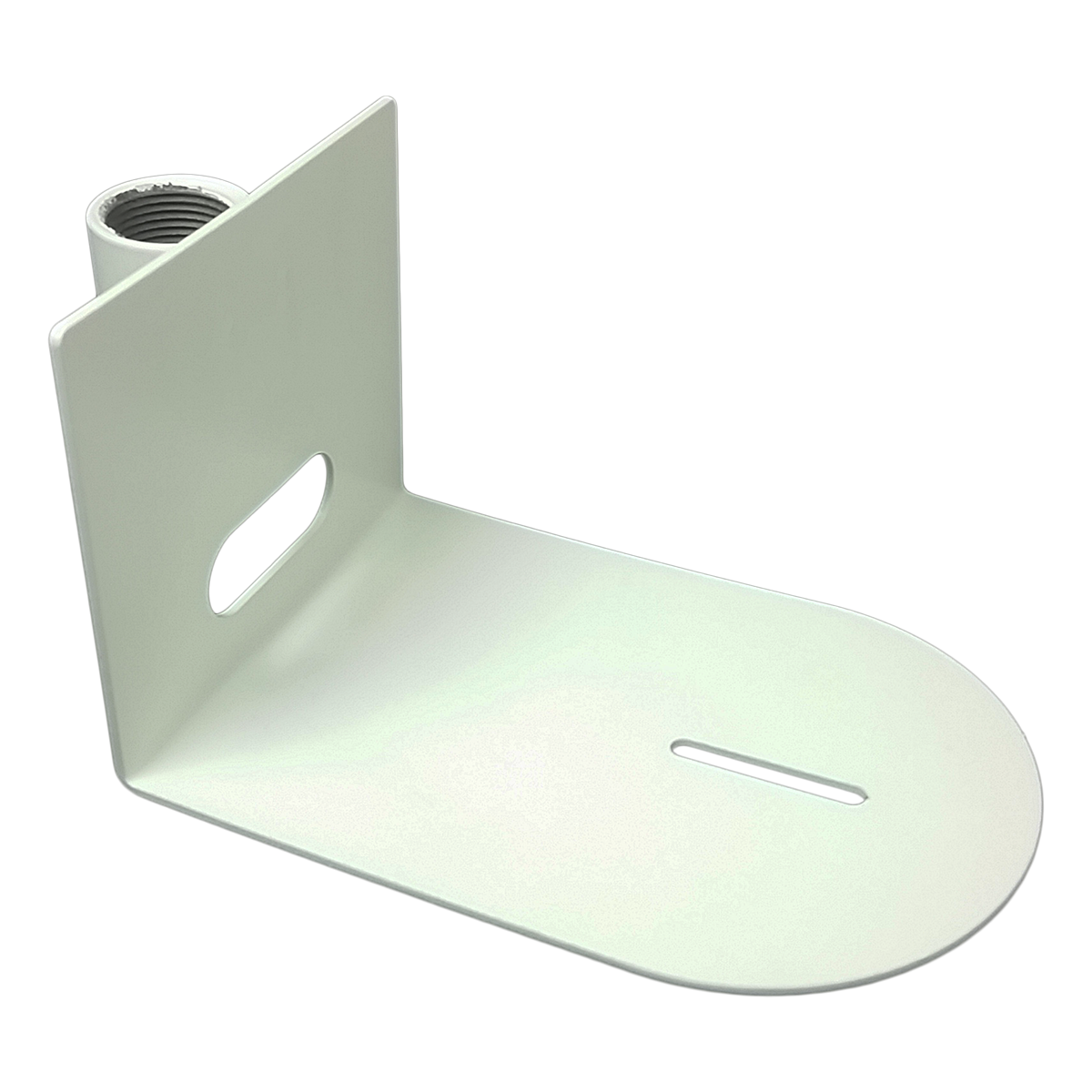
HuddleCamHD Wall Mount

Universal small-based wall mount

Ptzoptics Image

HuddleCamHD Pole Mount

Universal small-based pole mount

PTZOptics Large Base Ceiling Mount

Ceiling mount for Move 4K and Link 4K 30x

PTZOptics Large Base Wall Mount

Wall mount for Move 4K and Link 4K 30x

Ptzoptics Image

PTZOptics Large Base Pole Mount

 Pole mount for Move 4K and Link 4K 30x

Joysticks

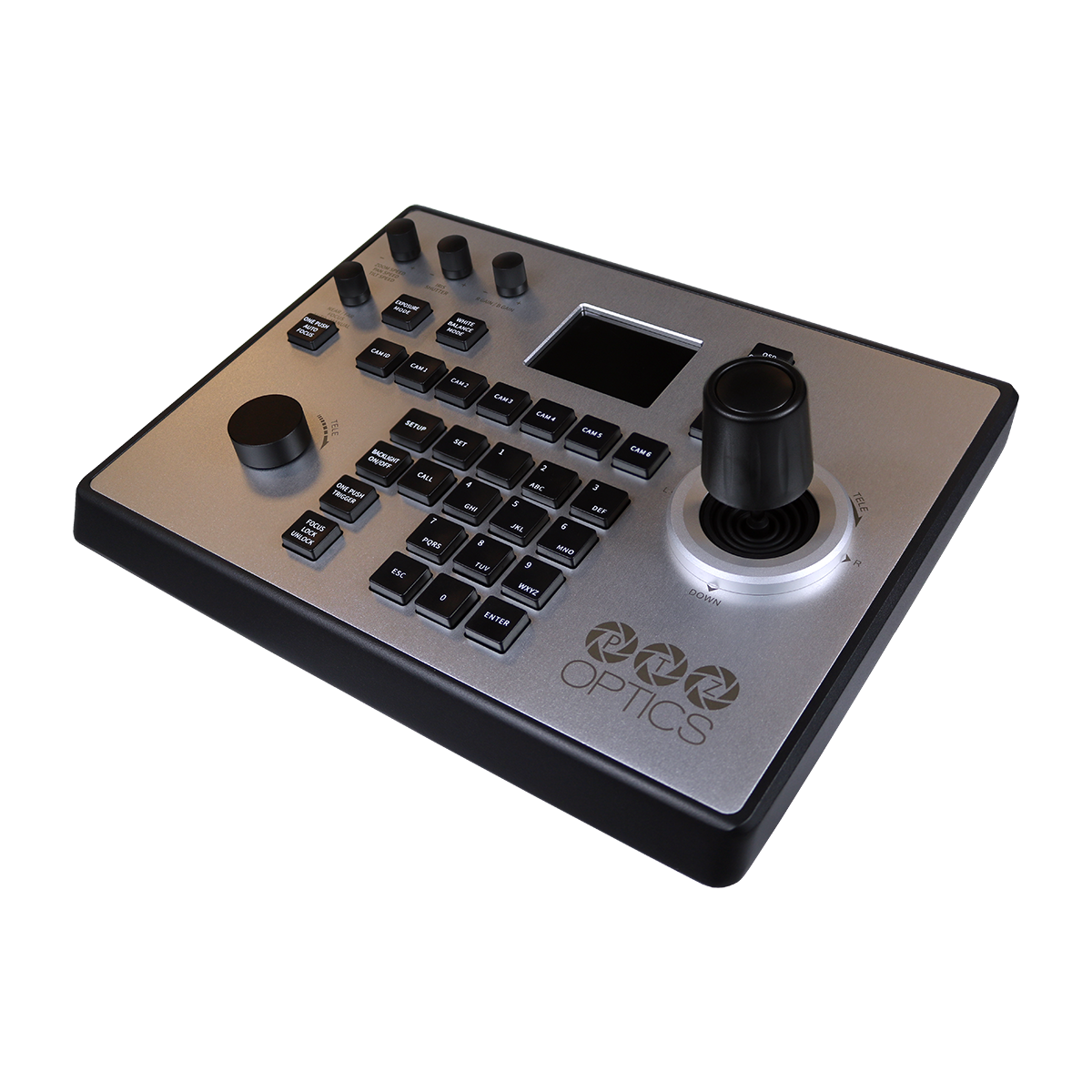
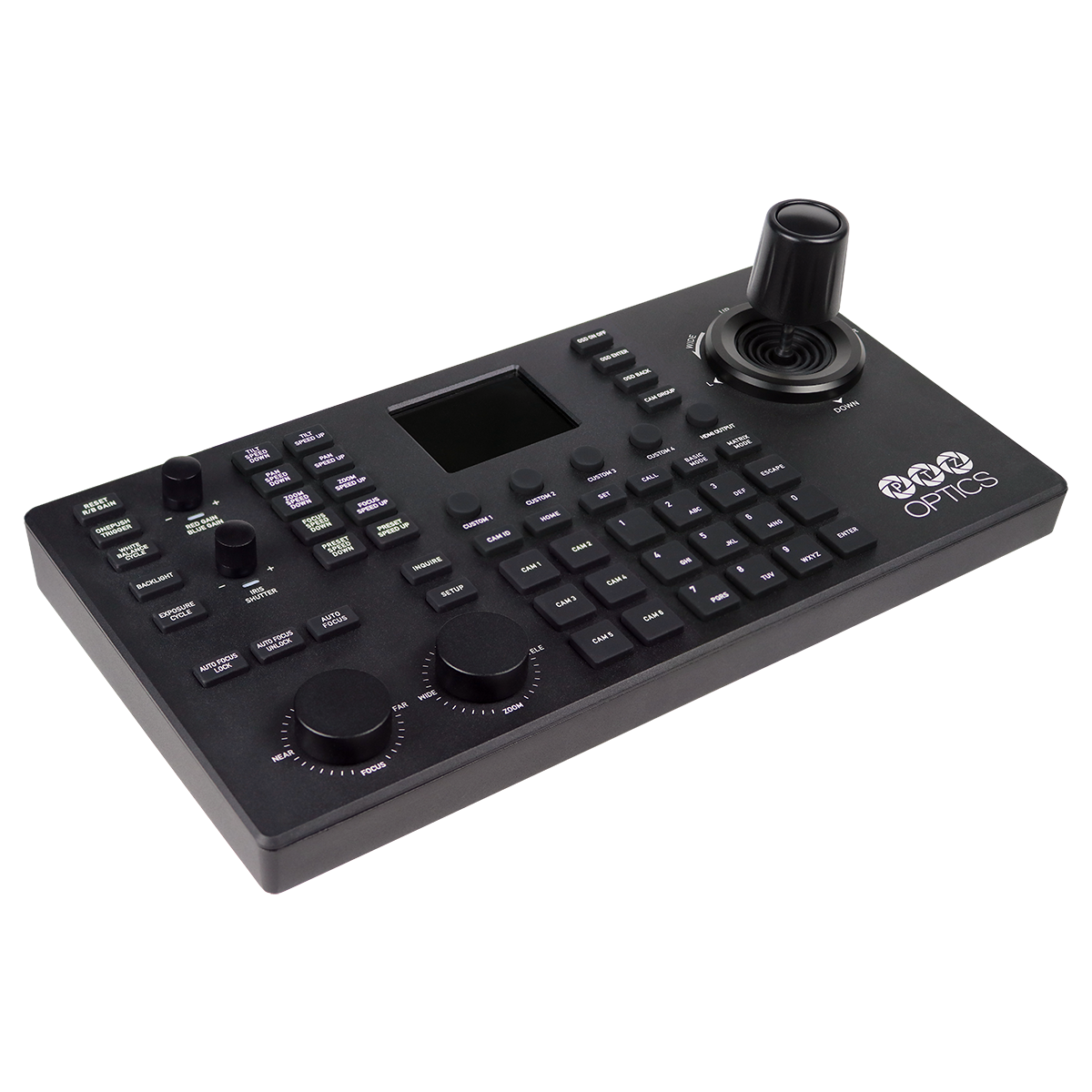
Streamline your production workflow with a joystick camera controller. Perfect for users of all experience levels, a joystick controller can help take your camera operation to the next level.
Ptzoptics Image

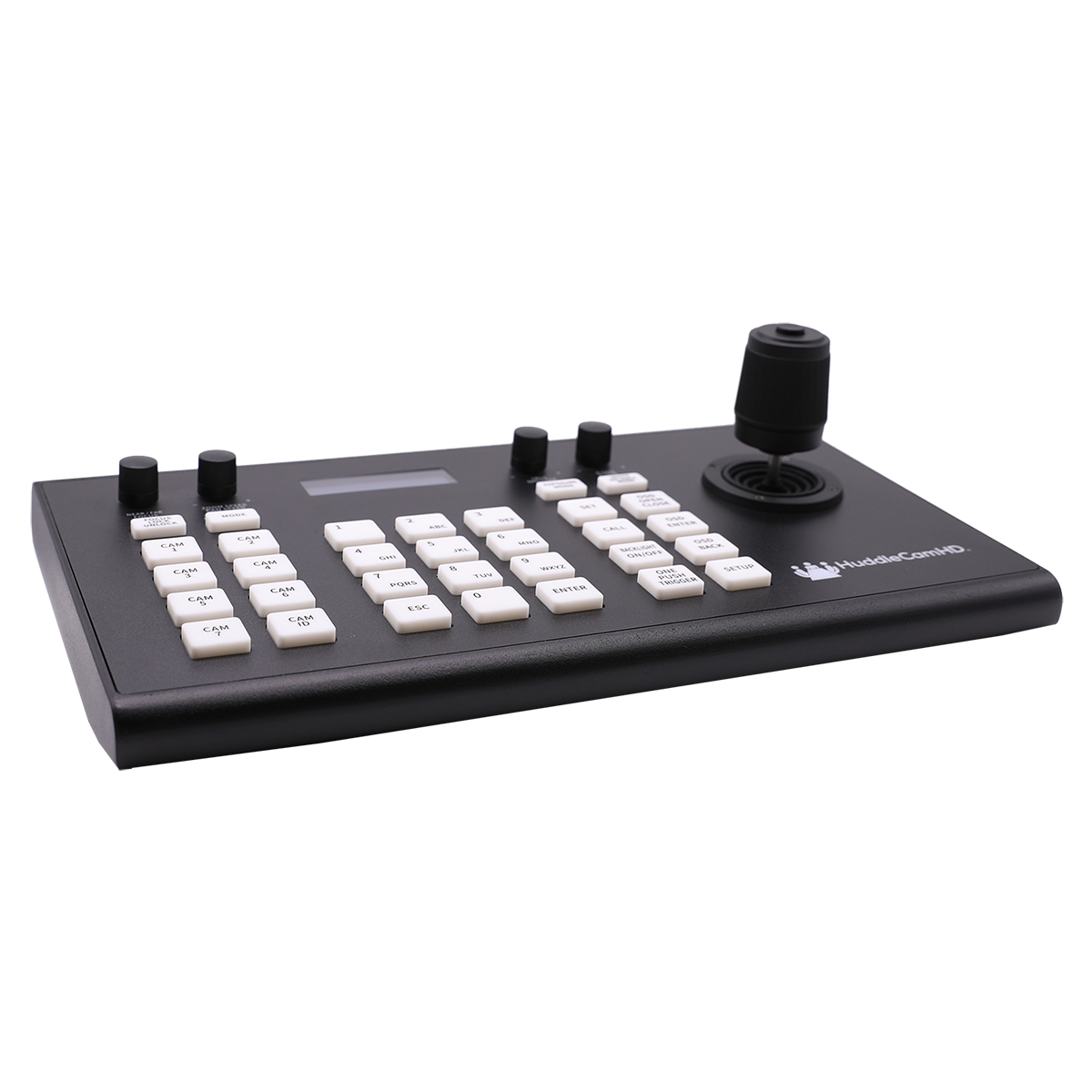
HuddleCamHD HC Joy

Serial PTZ Camera Joystick Controller

PT-JOY-G4 angle left

PTZOptics PT Joy

IP or Serial PTZ Camera Joystick Controller

SuperJoy angle right

PTZOptics SuperJoy

IP & Serial PTZ Camera Joystick Controller

Cables

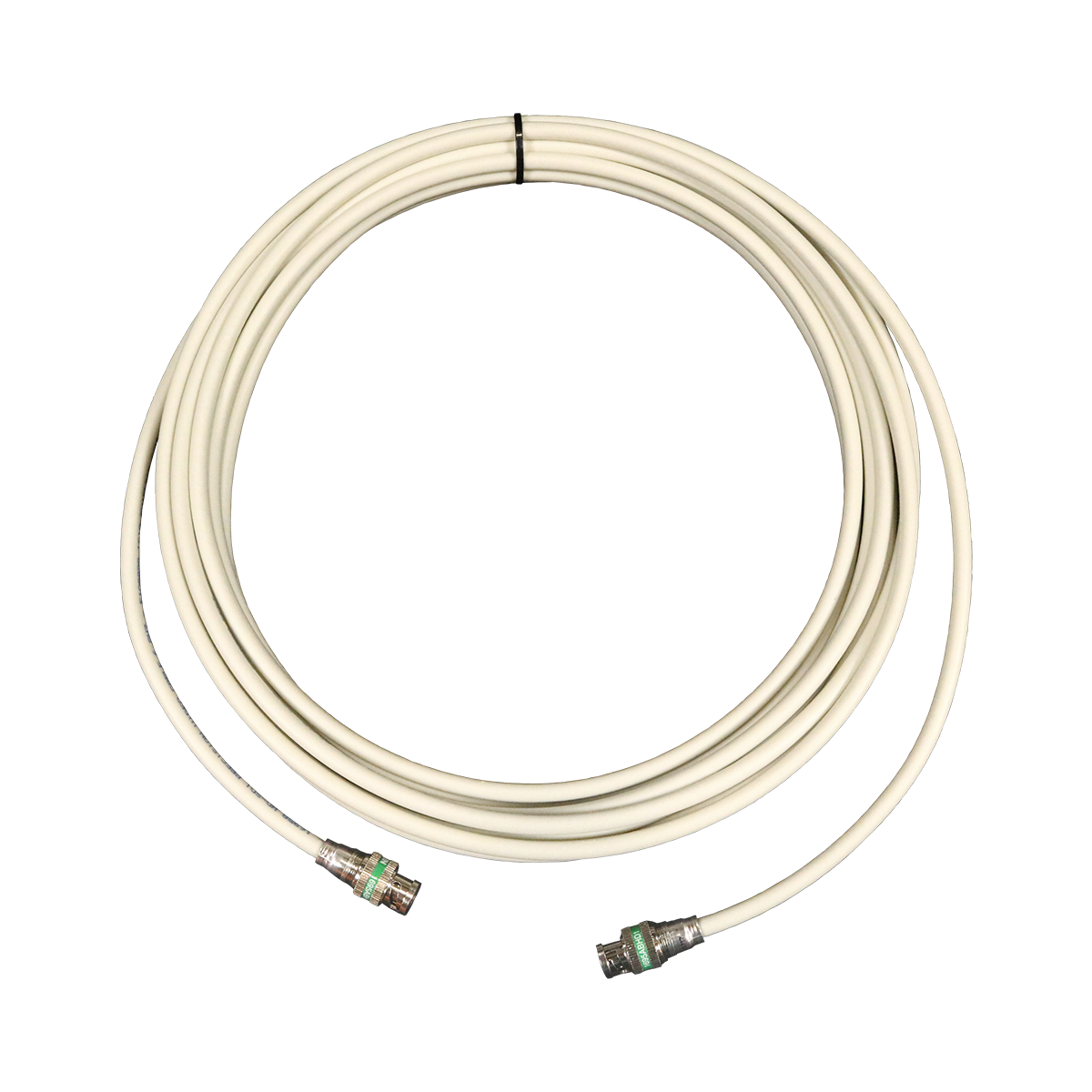
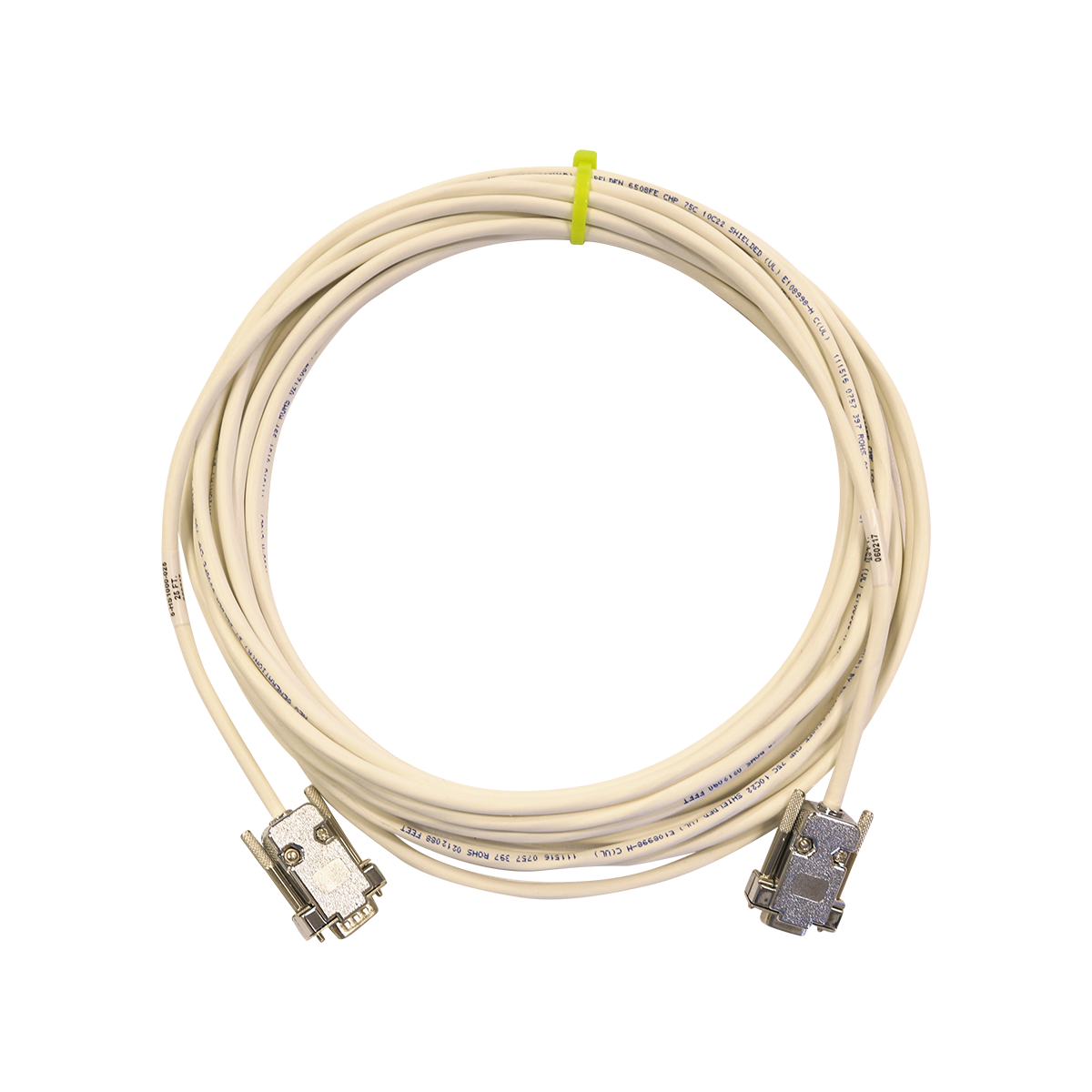
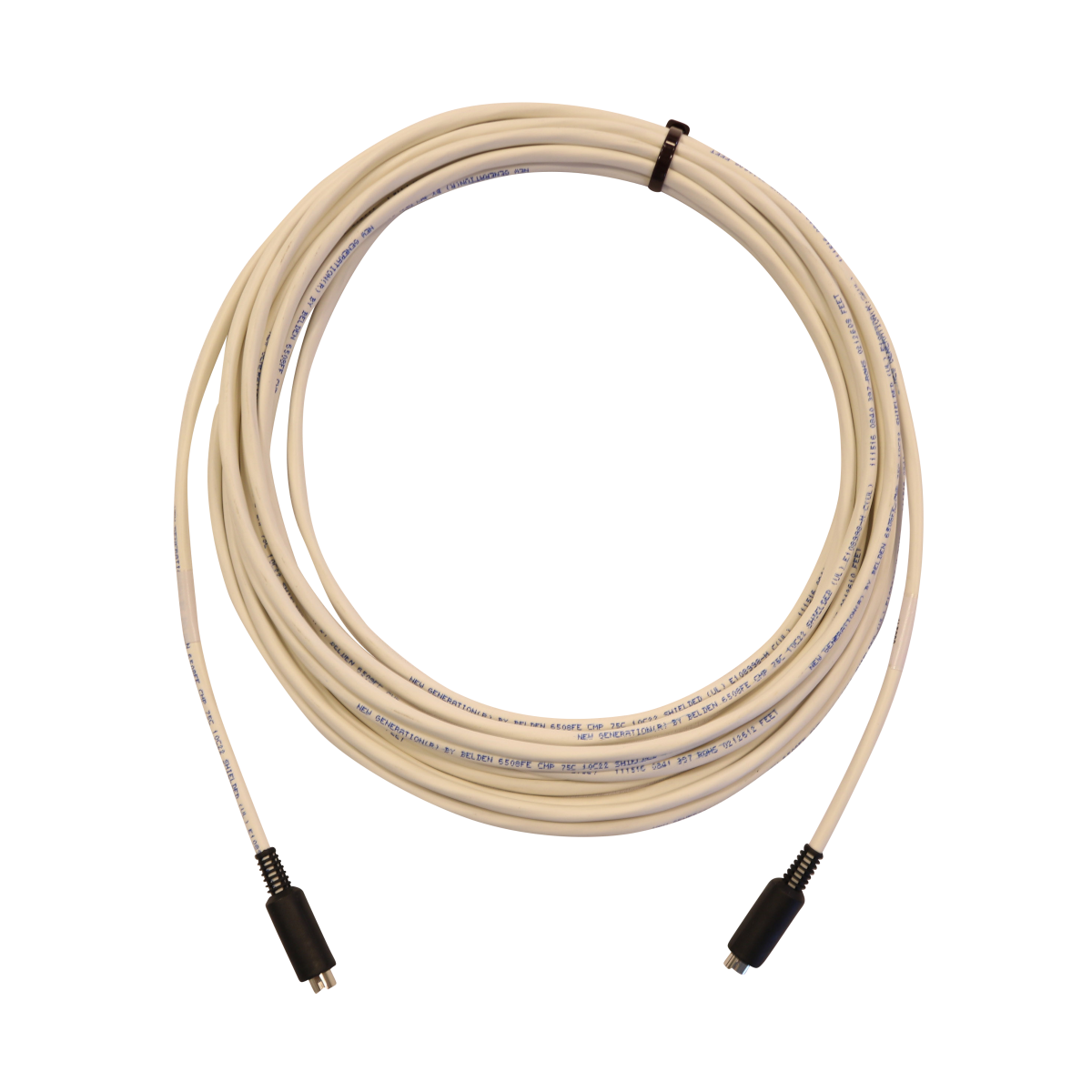
Connect your camera with a cable from PTZOptics—available in 25, 50, 75, and 100 ft. options.
Ptzoptics Image

3G SDI Cabling

3G HD-SDI Male to Male cables

Ptzoptics Image

DB9 Extender Cable

Serial DB9 Male to Female cables

Ptzoptics Image

Cascade Cable

VISCA cascade Male to Male cables

Looking for More?

PTZOptics offers a large selection of accessories to enhance your setup and suit your unique production needs.
Cables

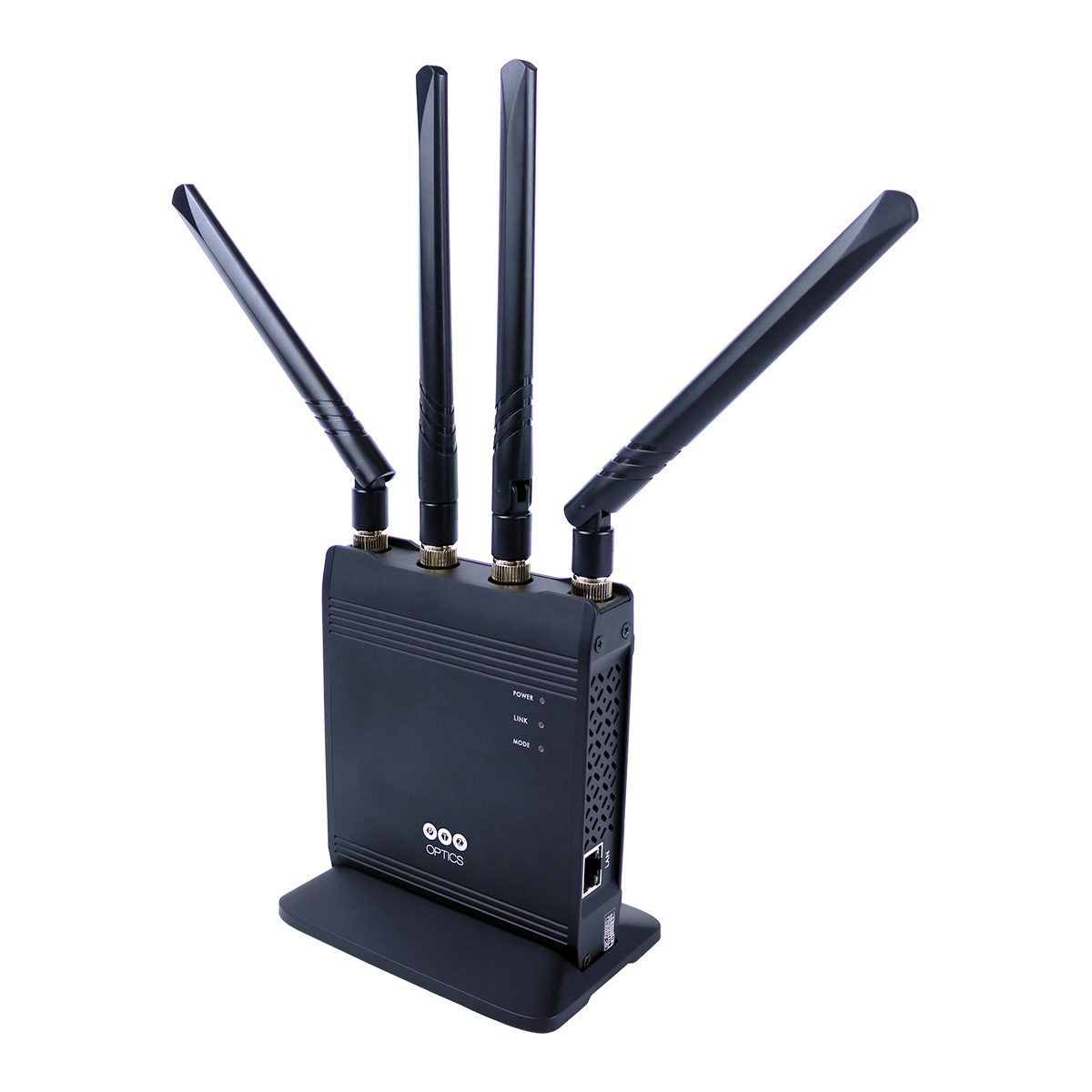
WirelessCable (single and pre-paired)

Wireless Connectivity for IP Video Productions

Ptzoptics Image

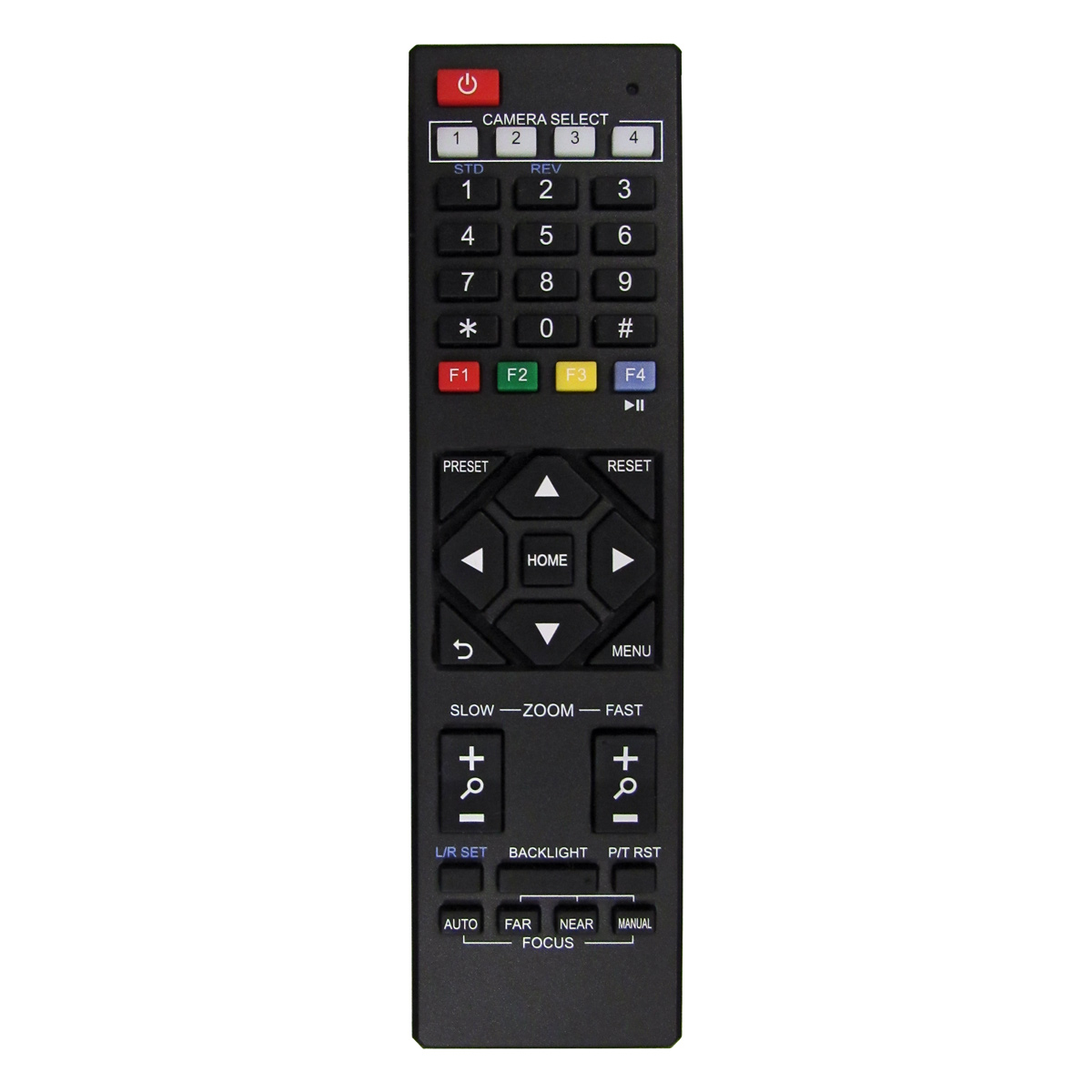
Spare Infrared PT Remote

Operates all PTZOptics cameras plus the HuddleCamHD Pro and Pro IP

Ptzoptics Image

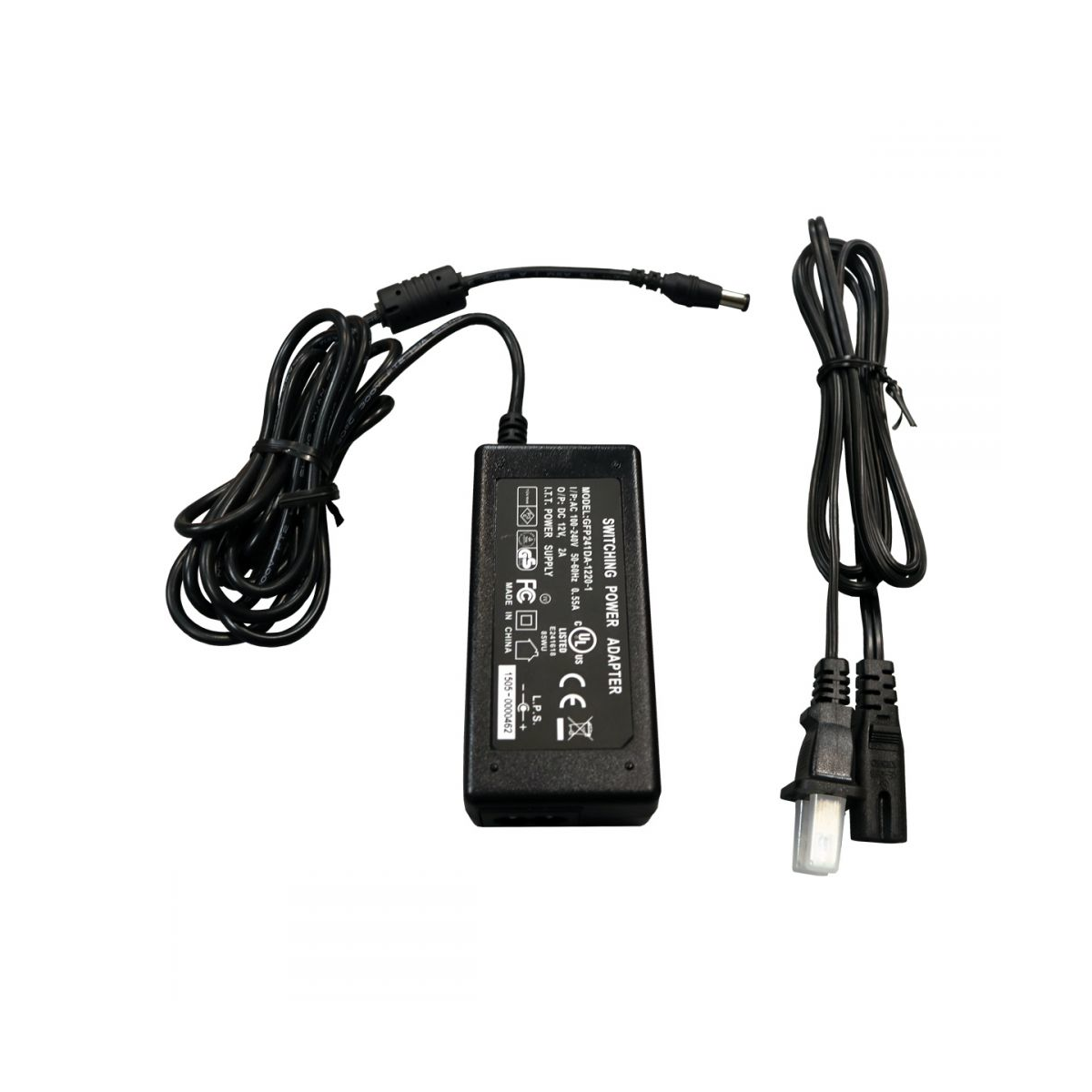
Spare Power Supply

For 12X, 20X & 30X PTZ model PTZOptics cameras

Apps and Software for the Move 4K

Below are several applications that can be used with Move 4K cameras. If you have any questions about the use of the applications, please feel free to submit a ticket or review our knowledge base articles.

NewBlueFX live production graphics software is now included with all PTZOptics cameras. This software allows you to invigorate your meetings and live video presentations with visually appealing graphics and useful information. You can claim your free software here.

The CMP allows users to manage multiple PTZOptics cameras at once. Turn any G2 PoE PTZOptics camera into an auto-tracking camera with the click of a button. The platform includes the most commonly used features of other PTZ camera applications.

The PTZControl Pro 2 app offers easy control of PTZOptics cameras from any iOS device. Set and call presets, make color adjustments, and access documentation with this all-in-one solution.

Advanced wireless PTZ camera control from your iOSAndroid, or Kindle device

PTZOptics IP ADDRESS SETTING TOOL

Upgrade Tool

Download this tool to apply network firmware updates to the camera, as well as change the camera’s IP address (updated tool). For more firmware tools and files, please visit the Firmware page.

Advanced PTZ camera controls, hotkeys support, and much more available inside of OBS

PTZ camera controllers that are dockable within the OBS interface. The included HTML files feature a variety of customizable PTZ controllers that can be used as with the OBS Custom Browser Docks feature. Custom Browser Docks allow you to place the PTZ controllers directly into the OBS interface.

This Twitch extension allows your audience to control your PTZOptics camera in Twitch.

Control your PTZOptics camera using MIDI commands from programs such as Ableton, Pro Tools, and more.

Use this tool in AMCAP Video Capturing App to test the camera’s USB feed.

Move 4K 12X:
Maximum Recommended Tracking Range: 200′


Move 4K 20X:
Maximum Recommended Tracking Range: 250′


Move 4K 30X:
Maximum Recommended Tracking Range: 300′

The 12X image sensor is 1/2.5″ CMOS.


The 20X image sensor is 1/1.8″ CMOS.


The 30X image sensor is 1/1.8″ CMOS.

The image sensor is the same size on the 20x and the 30x versions of the Move 4K.

The amount of bandwidth used by the Move 4K is variable. For this camera, bandwidth is equal to the bitrate in kbps.


The Move 4K’s Bitrate Settings are located in the “Audio & Video” tab under IP Video Streams. The Move 4K allows the user to adjust the bitrate in a range of 32-102400 kbps or 0.03125 – 100 megabit/second. We have recommended values which are selectable in the Video Template dropdown. For example, the “Ultra” Template (4K) is 3840×2160 with a recommended bitrate of 16384 kbps or 16 Megabit/second.


The Move 4K offers several Video Templates: Ultra, High, Medium, and Low which are all adjustable, as well as our new Certified NDI®|HX3 Templates (HX3 settings are not customizable).


In other words, the Move 4k gives users the ability to control the amount of bandwidth / bitrate used to give them the best experience to meet the needs of their production.

3G-SDI is only capable of 1080p-60fps.
Yes, it is possible, as long as your USB drive is fast enough. USB 2.0 has a max read/write speed of 60Mbs. In actual use, this can be less. 4k video streams in standard at 15 to 25Mbs, so as long as your USB drive can transfer data at 26Mbs or more, then you should be good to go.

No. The Move 4K can output video with SDI or HDMI, but not both at the same time.

For full pan and tilt information, as well as a host of other specifications, please refer to the Move 4K’s product documentation:  
kick

Just fill out the form below to sign up for PTZOptics Live Show notifications and to access the public calendar of show dates.

Just fill out the form below to sign up for Government Tech Chat live show notifications and to access the public calendar of show dates.

Just fill out the form below to sign up for Worship Summit Live show notifications and to access the public calendar of show dates.

Just fill out the form below to sign up for Sports Tech Chat live show notifications and to access the public calendar of show dates.

Just fill out the form below to sign up for Tech Connect live show notifications and to access the public calendar of show dates.

Give Us a Call!

Select your country or territory:

Toll-Free: (833) 888-9706
Direct Line: (484) 593-2247

Don’t see your country listed?

Call us directly at +1 (484) 593-2247 (international call fees may apply) or email us at [email protected].

Toll-Free:

For all customers based in the countries and territories listed below, call (833) 888-9706.


  • United States
  • American Samoa
  • Guam
  • Northern Mariana Islands
  • Puerto Rico
  • US Virgin Islands
  • Anguilla
  • Antigua & Barbuda
  • The Bahamas
  • Barbados
  • Bermuda
  • British Virgin Islands
  • Canada
  • The Cayman Islands
  • Dominica
  • The Dominican Republic
  • Grenada
  • Jamaica
  • Montserrat
  • Saint Kitts and Nevis
  • Saint Lucia
  • Saint Vincent and the Grenadines
  • Sint Maarten
  • Trinidad and Tobago
  • Turks & Caicos


Don’t see your country listed? Call us directly at +1 (484) 593-2247 (international call fees may apply) or email us at [email protected].

For all customers living in the countries below, call the number listed with the appropriate country. Don’t see your country listed? Call us directly at +1 (484) 593-2247 (international call fees may apply) or email us at [email protected].