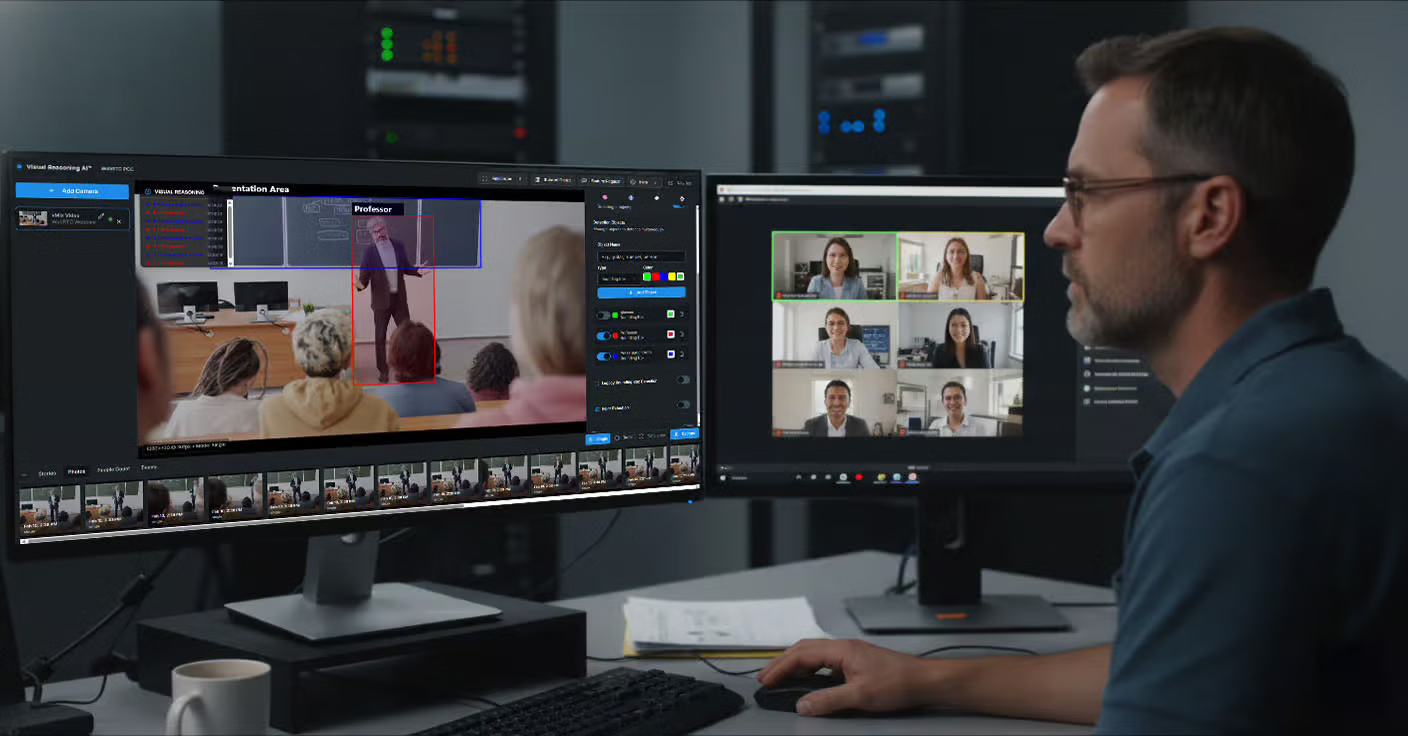
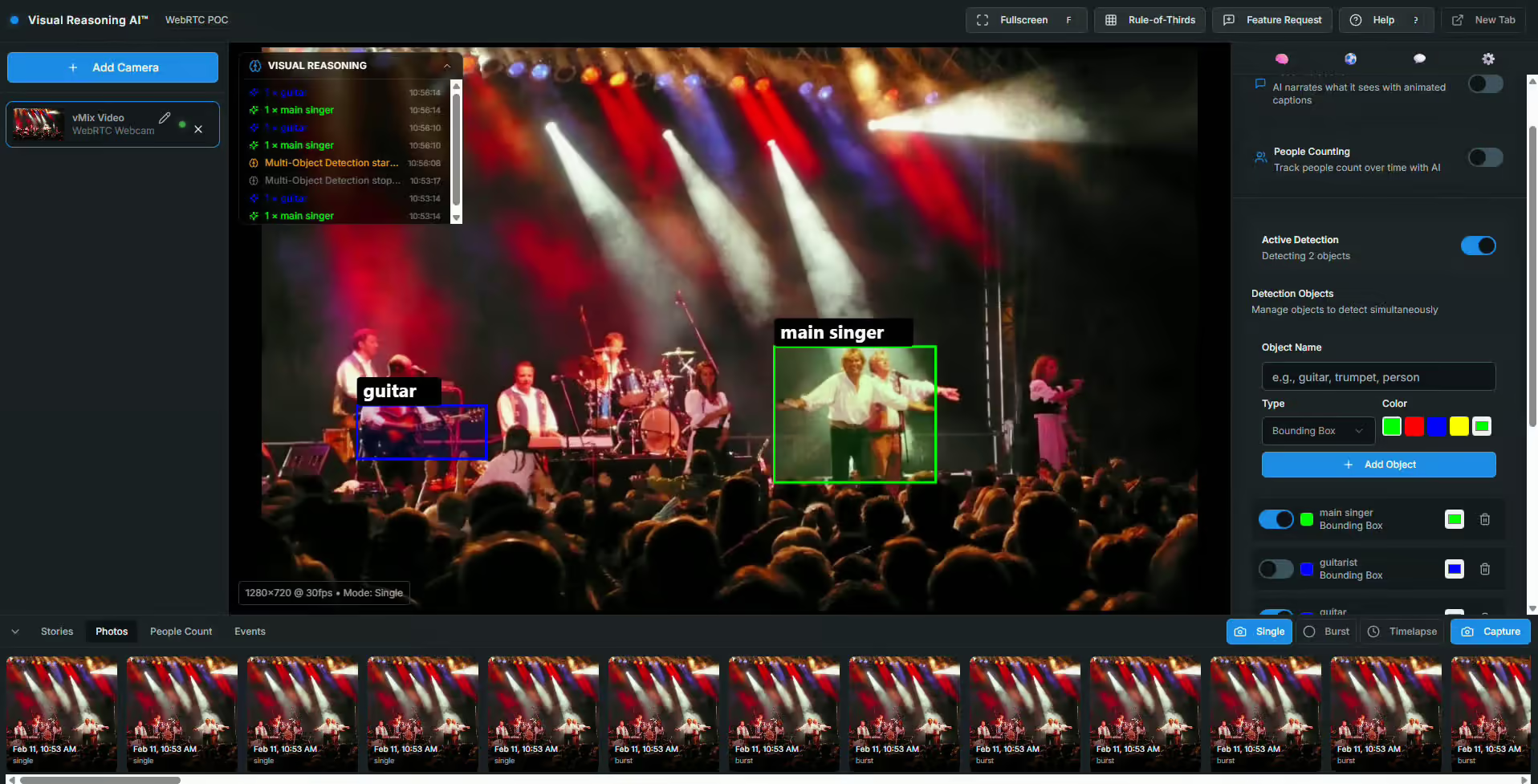
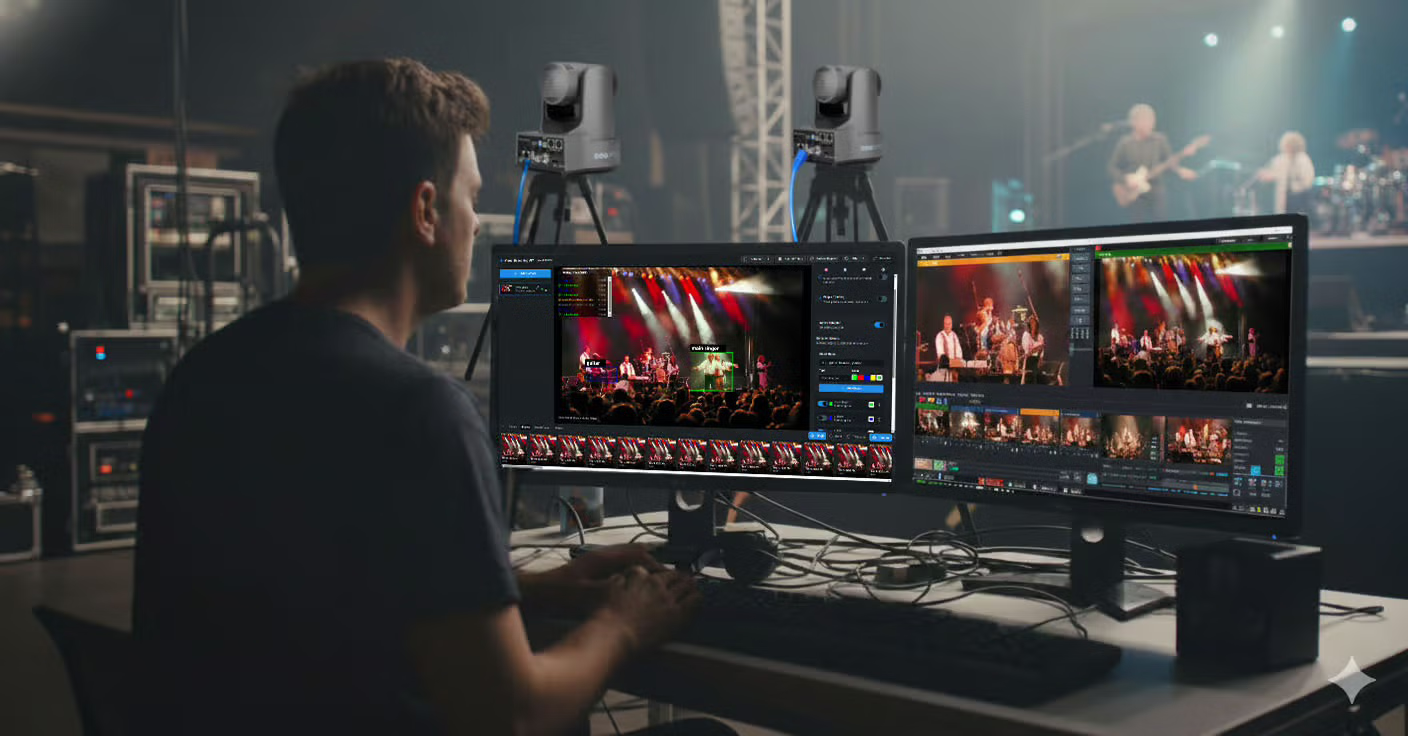
The loop runs every 500 milliseconds. The camera makes small corrections continuously, resulting in smooth, natural tracking. A deadzone prevents jitter — if the subject is close enough to center, the camera holds steady.
This runs in a browser tab. The PTZOptics camera doesn’t need new firmware, a software update, or any hardware modification. If your camera has an HTTP API and a video output you can view in a browser, it works today. Five Things Your PTZOptics Camera Can Do Now
We built 17 open-source tools in the Visual Reasoning Playground to demonstrate what’s possible. Several are designed specifically around PTZOptics camera capabilities. 1. Track Any Object by Description
The PTZ Auto-Tracker is the flagship tool. Type a description, click start, and the camera follows. It supports multiple operation styles — smooth tracking for broadcast, precise centering for presentations, fast response for sports — each tuning the detection rate, movement speed, and deadzone automatically.
It works with HTTP authentication, so cameras with access control enabled are fully supported. All PTZOptics models with IP control are compatible.
Try it: PTZOptics Moondream Tracker
AI-Powered Framing Suggestions
The Framing Assistant analyzes your camera’s current view and recommends composition adjustments. “Move camera up 5 degrees and zoom in 10% for better framing of the seated subject.” It combines Moondream’s scene understanding with PTZOptics pan/tilt/zoom control to offer — and execute — real-time framing improvements.
For operators who are still learning shot composition, or for automated systems that need to frame shots without human input, this closes a gap that no amount of mechanical precision could solve alone.
Try it: Framing Assistant
Intelligent Color Tuning
The PTZ Color Tuner captures a frame, asks the AI to analyze the scene’s color characteristics — overall tone, exposure, white balance, dominant colors — and generates specific adjustment recommendations. Then it applies those adjustments directly through the PTZOptics image parameter API.
“Scene has warm tungsten lighting. Indoor white balance recommended. Reduce saturation by 1 stop.”
post_image_value&wbmode&1 (indoor)
post_image_value&saturation&6 (reduce by 1)
Brightness, contrast, saturation, sharpness, and white balance mode — all controllable through the API, all adjustable based on what the AI actually sees in the scene. For multi-camera setups where color matching matters, this turns a tedious manual process into a one-click operation.
Try it: PTZ Color Tuner
Color Matching Across Cameras
Related to the Color Tuner but solving a different problem: the Color Matcher lets you upload a reference image — the look you want — and then analyzes your live camera output against it. The AI compares color temperature, saturation, contrast, brightness, and overall mood, then tells you exactly what to adjust to match.
For productions running three or four PTZOptics cameras that need a consistent look, this replaces the eyeball-and-guess workflow with AI-driven analysis.
Try it: Color Matcher
MediaPipe vs. Moondream Tracking Comparison
For the engineers and integrators evaluating their options, the Tracking Comparison tool runs Google’s MediaPipe (local, ~10ms latency, face/hand/pose only) alongside Moondream (cloud, ~200ms latency, tracks anything by description) on the same camera feed simultaneously.
You see the tradeoffs in real time. MediaPipe is faster but limited to what it was trained on. Moondream is slower but can track anything you describe. For some PTZOptics deployments, speed matters most. For others, flexibility wins. This tool helps you make that decision with data instead of guesswork.
Try it: Tracking Comparison
What This Means for PTZOptics Integrators and Operators
The PTZOptics HTTP API was designed to be open and accessible. That design decision is paying off in ways that would have been hard to predict even two years ago. Every PTZOptics camera sold in the last several years already has the API built in. No upgrade required. No additional licensing.
What visual reasoning adds is the intelligence layer on top. The API provides the how — how to move the camera, how to adjust the image, how to recall a preset. Visual reasoning provides the when and the why — when to move because the subject shifted, why to adjust color because the lighting changed.
For integrators, this opens a new category of solutions:
- Automated production in houses of worship.
- Intelligent camera coverage in conference rooms.
- Unattended tracking in lecture halls.
Every installation where a PTZOptics camera sits on a mount and someone has to operate it is a candidate for visual reasoning automation.
For operators, it’s not about replacement. It’s about offloading the mechanical work — keeping a subject centered, maintaining consistent color, following a speaker across a stage — so you can focus on the creative decisions that actually require human judgment. Get Started
Everything is open source and available now.
- Live demo (no install): streamgeeks.github.io/visual-reasoning-playground
- Source code: github.com/streamgeeks/visual-reasoning-playground
- The book: Visual Reasoning AI for Broadcast and ProAV by Paul Richards — the complete guide to building these systems, from first concepts to production deployment.
All you need is a PTZOptics camera on your network, a free Moondream API key, and a browser. Your camera already has the API. Now it has the intelligence to use it.—–Paul Richards is CRO at PTZOptics and Chief Streaming Officer at StreamGeeks. He has authored more than 10 books on audiovisual and live streaming technology. The Visual Reasoning Playground is open source under the MIT license. For PTZOptics API documentation, visit docs.ptzoptics.com.