


Horizon Software Suite
The Next-Generation Intelligent Software Experience for PTZOptics Cameras
Horizon Web
An Intelligent Camera Interface
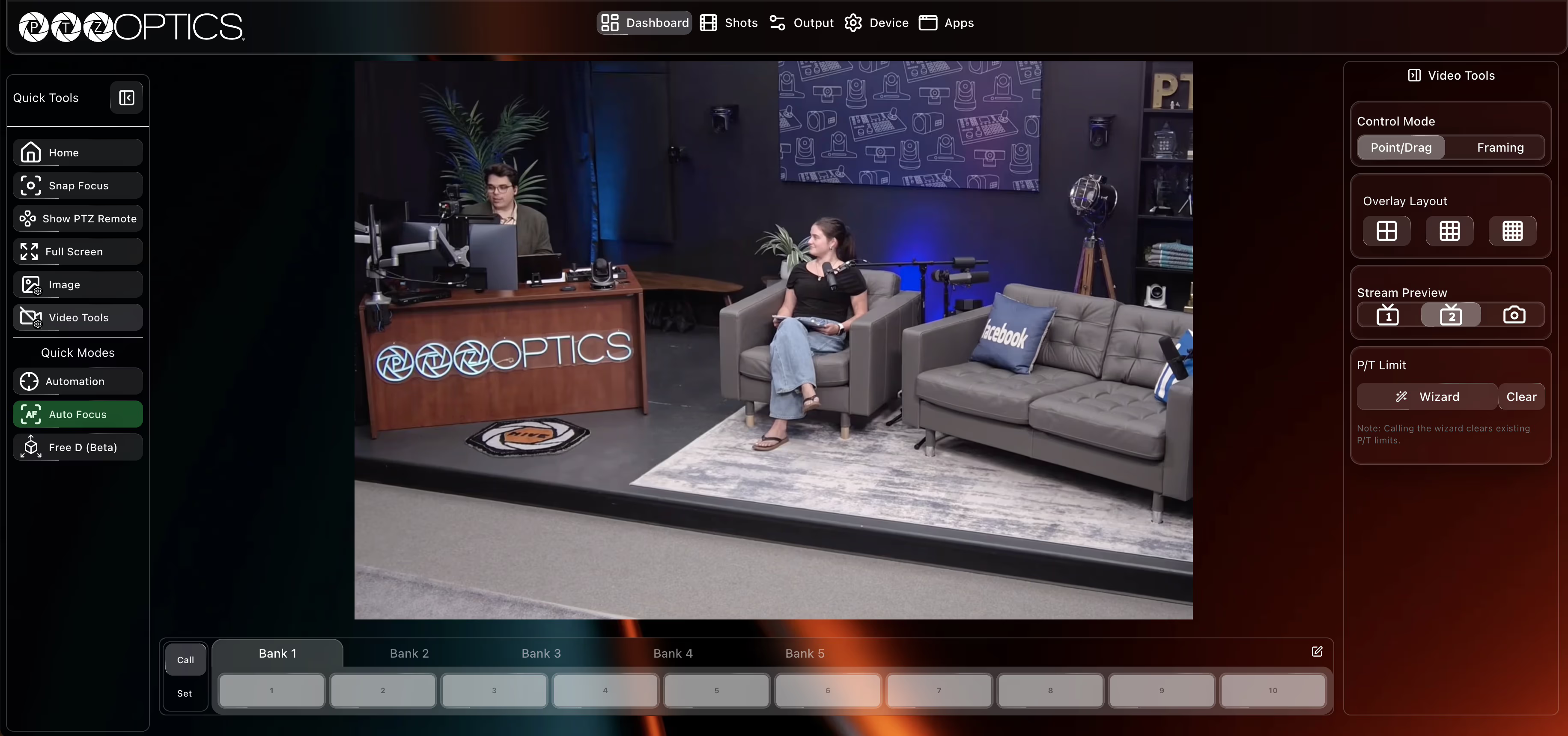
Horizon Web replaces the traditional camera web interface with a modern, intuitive software experience comes standard with all PTZOptics 4K cameras. Simply access your camera from a web browser on the same network to unlock intelligent automation, precision camera control, and professional imaging tools from a streamlined browser-based workspace.
Key Features
Waveform, RGB Parade & Vectorscope
AI Auto-Tracking & Auto-Framing
Point-and-Click Camera Positioning
Advanced Color & Image Controls
Remote 4K Photo Capture
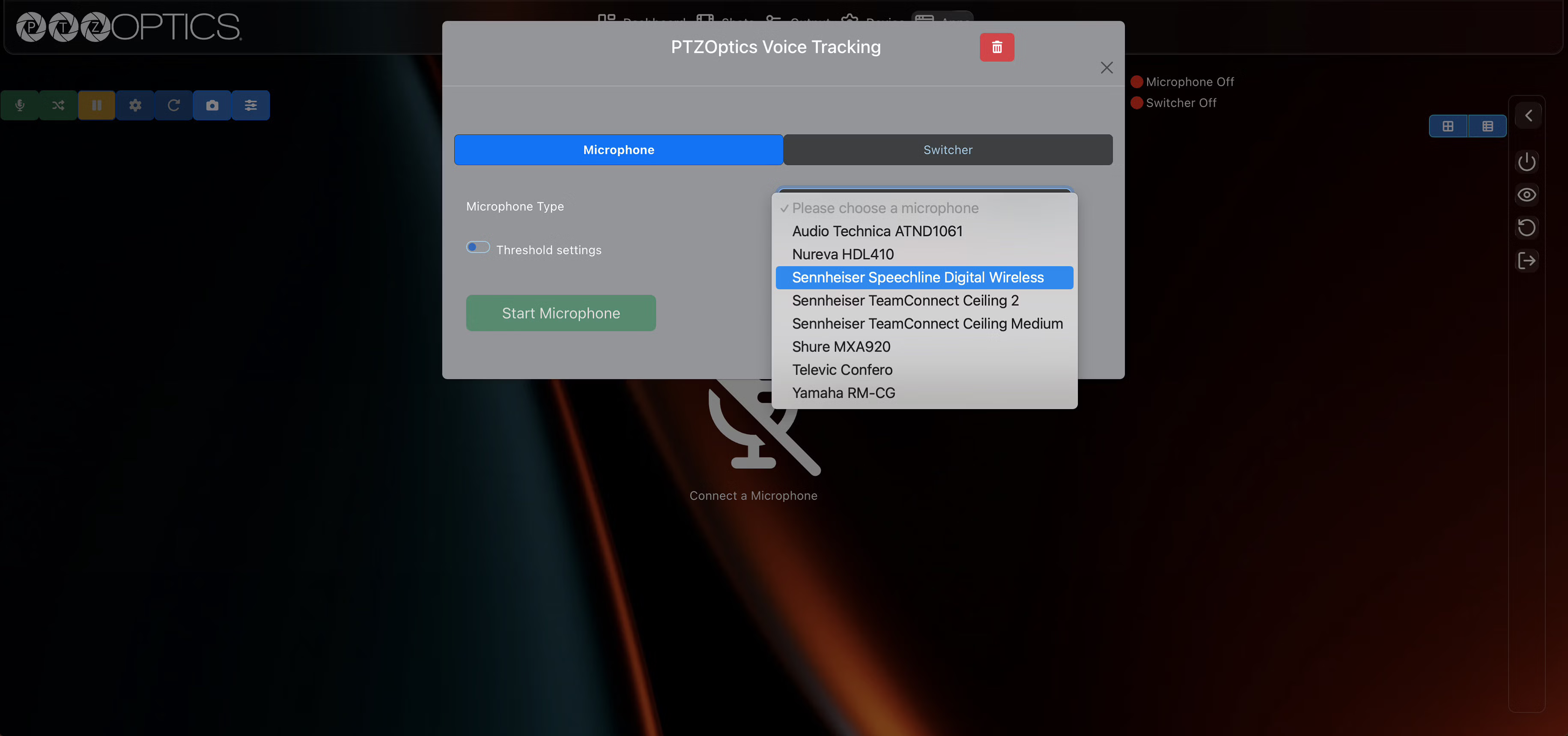
Voice Tracking Configuration
Preset & Shot Management
Continuous Feature Updates

Horizon Hub
Powerful Desktop Applications for PTZOptics Cameras
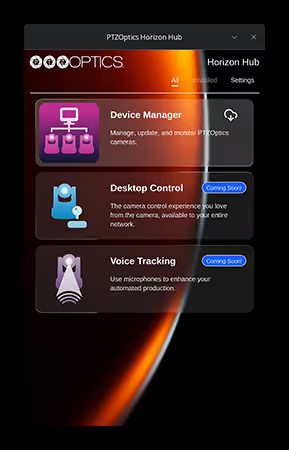
Horizon Hub is the desktop home for PTZOptics software applications and available for all version of our PTZ cameras. Install and update the tools you need to control cameras, manage devices, and configure intelligent workflows - all from one convenient application.
Key Features
Desktop Control
Control compatible PTZOptics cameras with intuitive pan, tilt, zoom, framing, preset, and automation controls.
Device Manager
Device Manager
Discover all the PTZOptics equipment and other devices on your local network, monitor firmware versions, preview live camera feeds, and keep devices up to date.
Voice Tracking
Configure voice-based camera automation using supported microphones and production systems to automatically trigger presets or switch video sources based on the active speaker.
Kickstart Your Project
Ready to transform your video capabilities? Get in touch with our experts to find the perfect solution for your specific needs.

Free consultation available